A parcel has not arrived
Start with an in-transit parcel and a customer asking where it is. Change the message to include an explicit refund request and consider who should own the next step.
Try shipping supportClassify a customer message against your team responsibilities. Use the result to suggest an owner, keep unclear cases in review, and let the right team resolve the request.
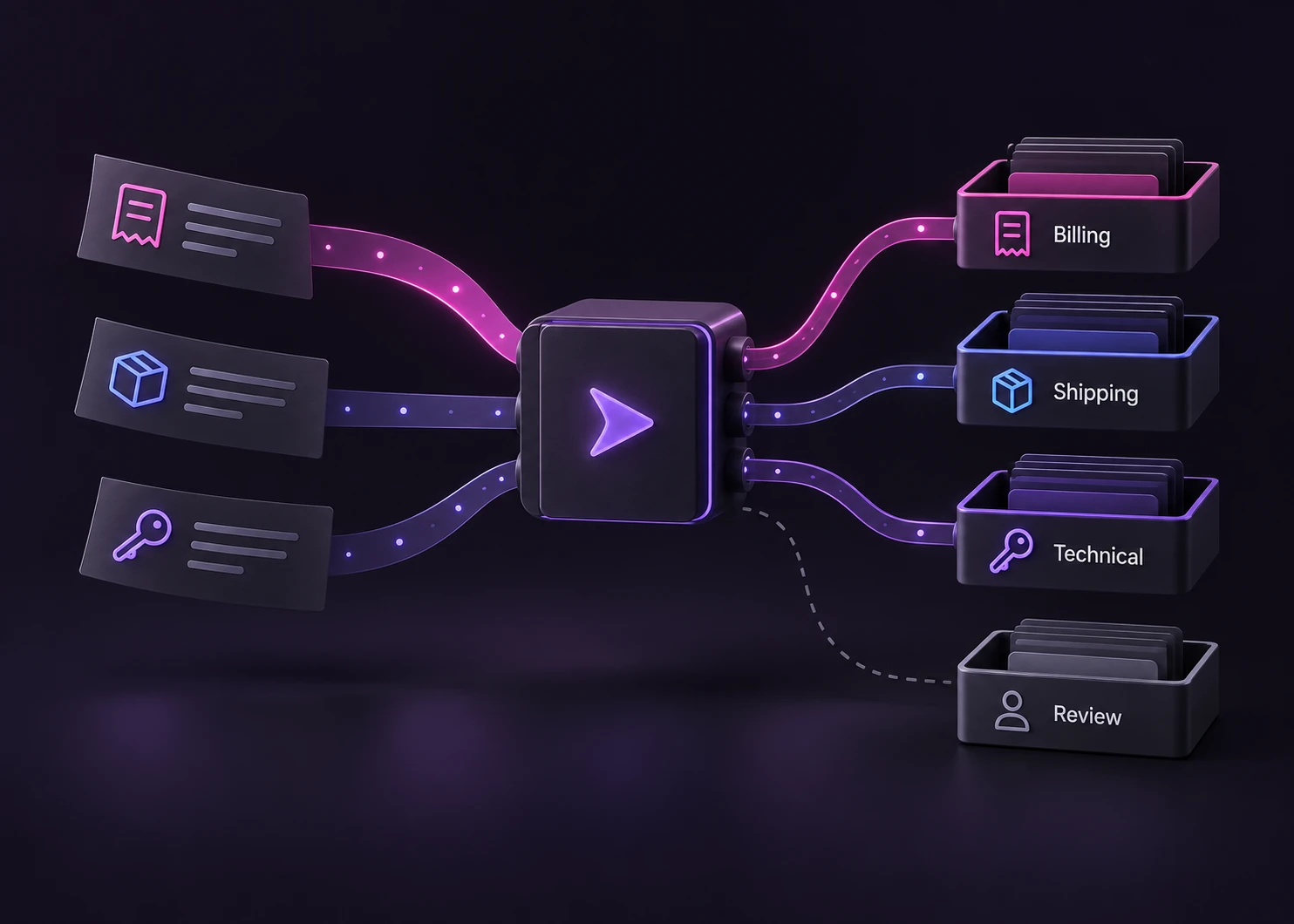
A message about a payment is not automatically a refund request. A duplicate subscription charge may need Billing to investigate while the customer keeps their plan; a returned item may belong to a different team. Write the ownership rule before choosing queue labels.
Jev can select a queue from supplied text and allowed choices. Your support system still creates the ticket, checks account access, applies service-level rules and records the handoff. A selected queue does not issue a refund, change a subscription or send an answer to the customer.
For a message that combines a failed login and a disputed charge, define a primary-owner policy or send it to review. One Choice selects one label. If the workflow needs multiple issues, keep separate classification questions or an application-managed split, with an owner for each follow-up. Do not silently discard the secondary issue.
This page explains the operating model and its tradeoffs. The support-router recipe provides server-side examples and response validation. The examples library opens editable inputs for exploration rather than configuring a production help desk.
These original definitions illustrate one possible support policy. Replace them with your actual queue responsibilities and escalation rules before evaluating routing quality.
| Situation | Queue responsibility | Review boundary |
|---|---|---|
| Billing | Investigate an invoice, an unexpected charge or a duplicate payment when the customer is asking what happened. | Do not assume that mentioning a charge is consent to cancel a subscription or issue a refund. |
| Refund | Review an explicit request to return an item or obtain a refund under the business refund policy. | Eligibility and payment execution remain separate decisions made with the required account and transaction checks. |
| Shipping | Investigate parcel status, missing deliveries or a shipment delay under the delivery team responsibility. | A message that also requests compensation may need a primary owner and a separate refund follow-up. |
| Technical | Investigate a reproducible product failure, sign-in error or malfunction under the technical support responsibility. | Missing logs, mixed issues or an unclear product require clarification or a review queue rather than guessed context. |
Keep the input, classification, review policy and ticket action distinct so each part can be evaluated.
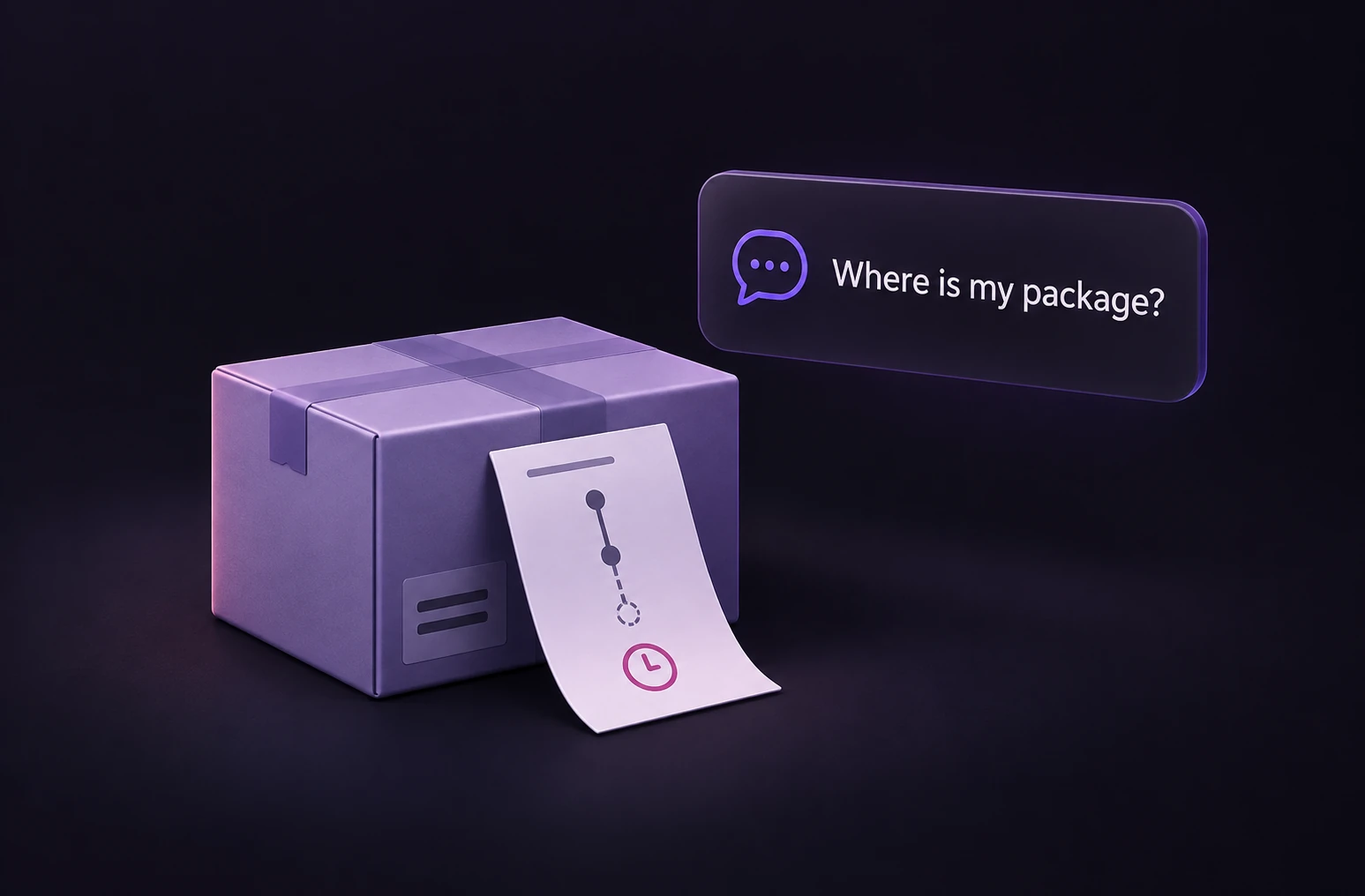
Supply the message and the minimum product or order context needed to choose an owner. Redact secrets and unnecessary personal data.
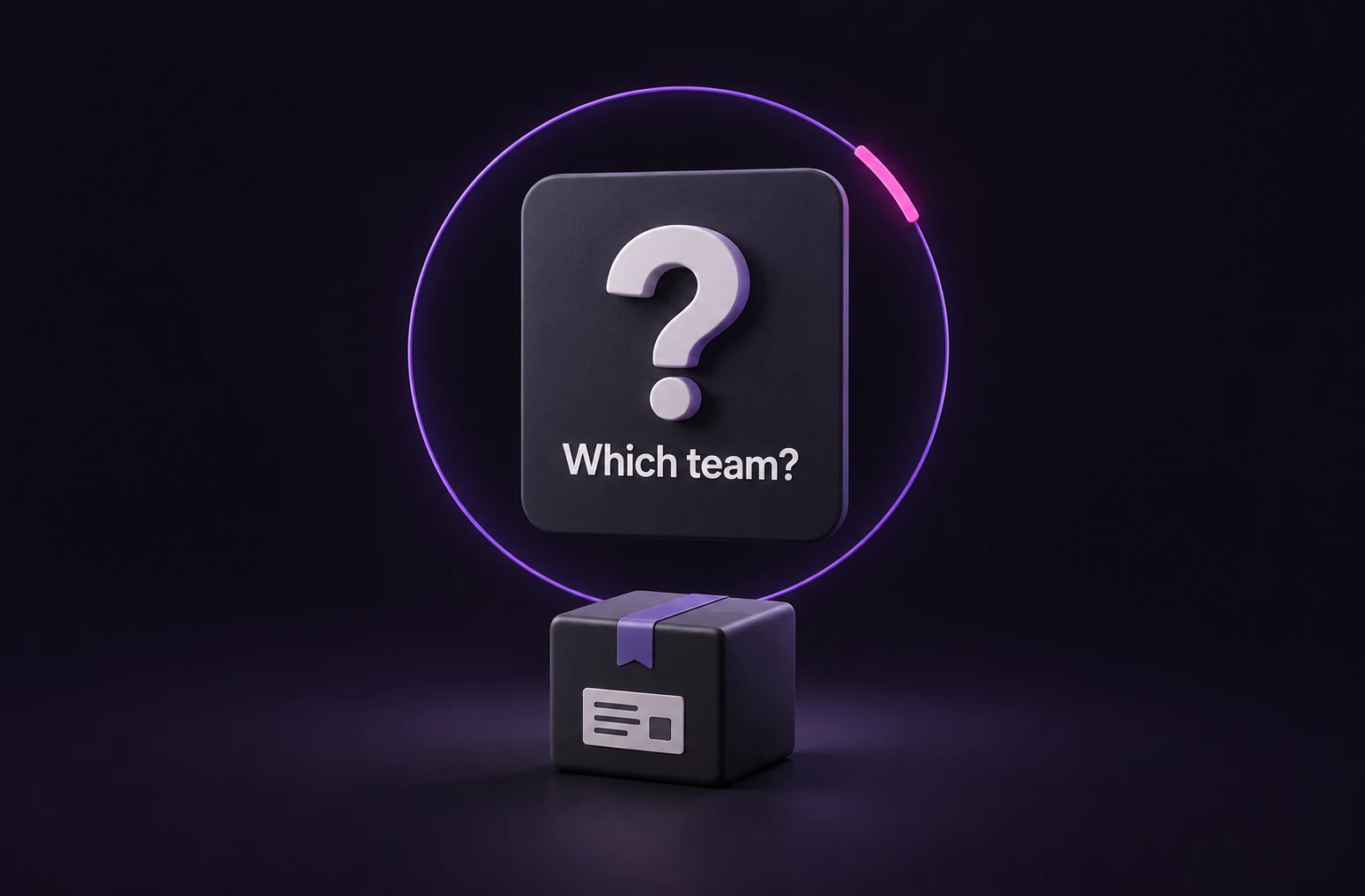
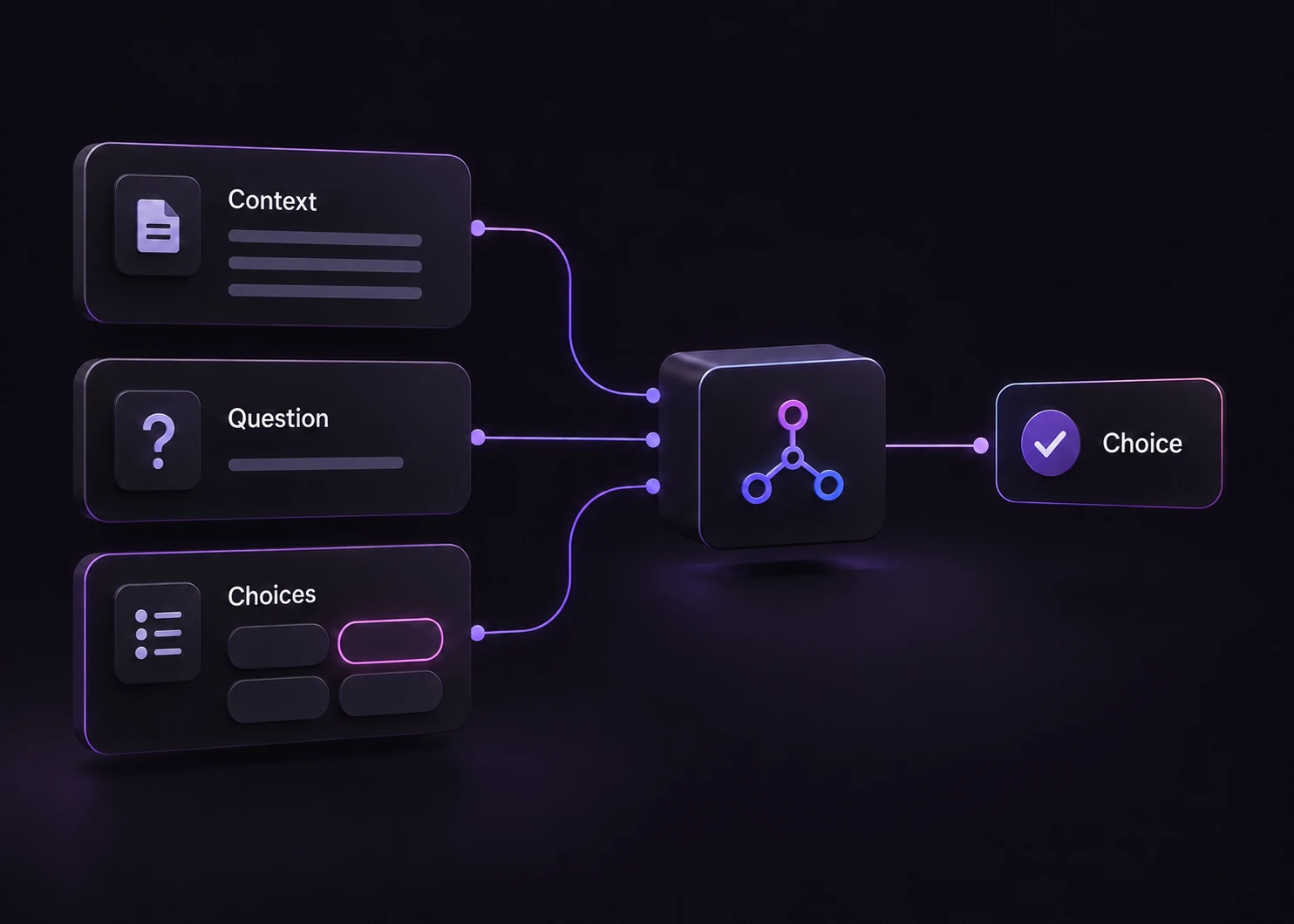
Describe your team responsibilities and ask one routing question. Add a Needs review option for uncertain or mixed requests in your own configuration.
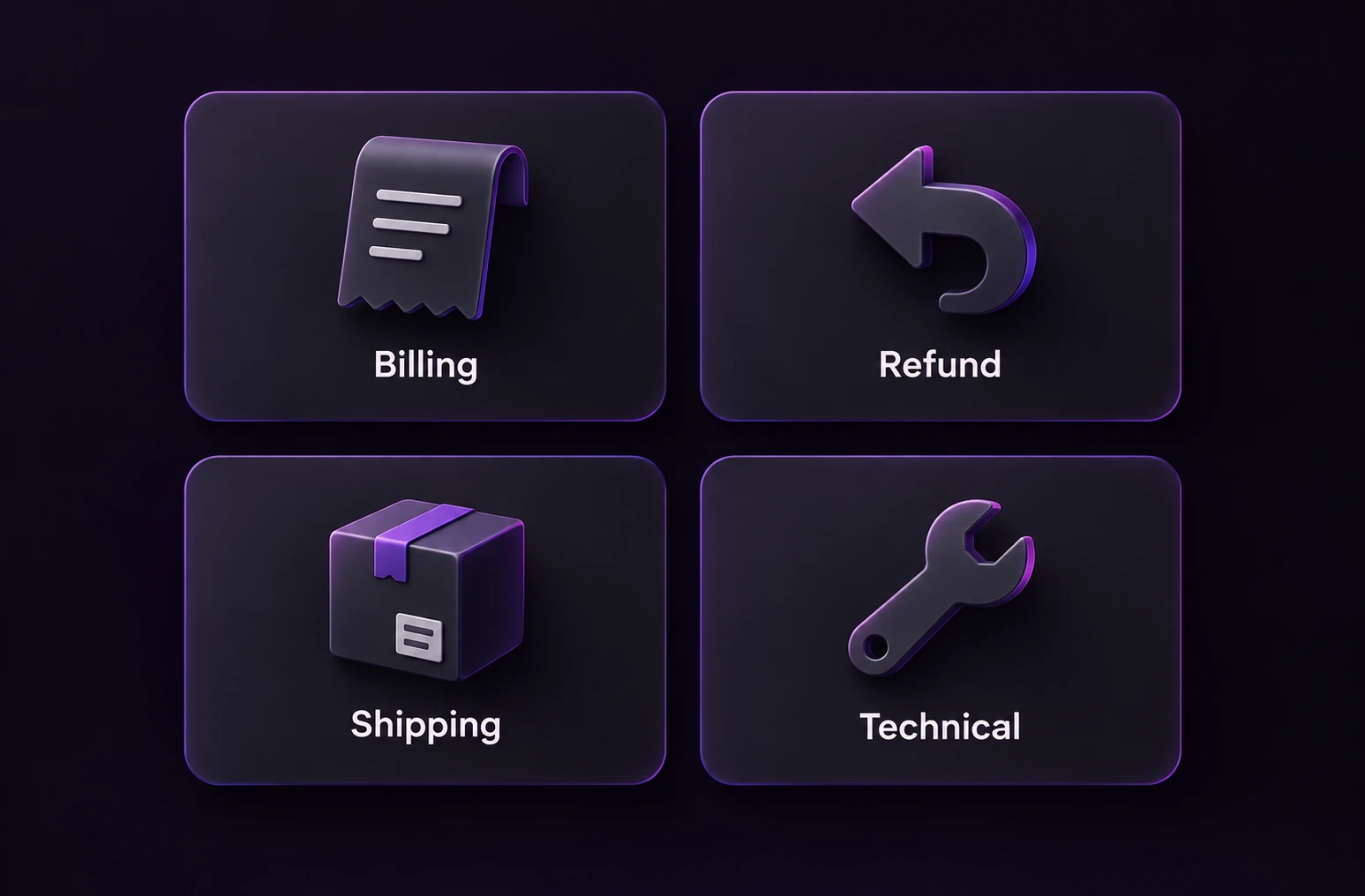
Validate the response and apply a tested review policy. Use an explicit review route for no match, ambiguity, invalid output or a provider failure.
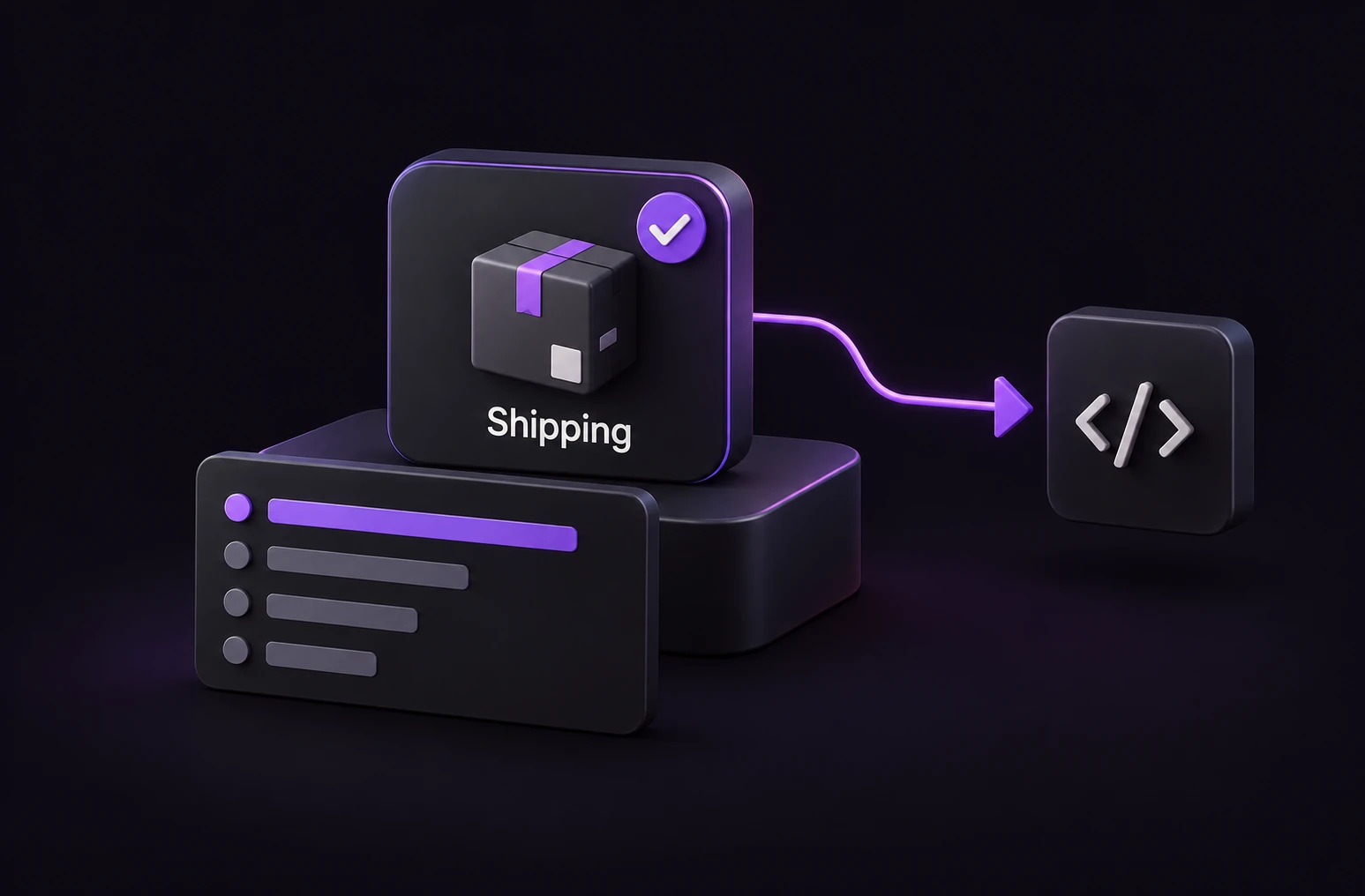
Let application code assign the ticket and track the outcome. Measure incorrect assignments, reassignment and review workload alongside response time.
Original sample messages, not customer transcripts. These small presets use their existing queue lists; edit the choices to add Needs review before testing ambiguous or out-of-scope messages.
Start with an in-transit parcel and a customer asking where it is. Change the message to include an explicit refund request and consider who should own the next step.
Try shipping supportStart with two identical subscription charges while the customer still wants the plan. Change the intent to requesting a refund and compare the routing task.
Try billing classificationUse a reproducible sign-in error on two computers. Add a separate billing concern to examine the need for a primary-owner or review policy.
Try technical triageThe batch Playground starts with 10 original synthetic feedback rows and three dimensions: topic, sentiment and urgency. Change their descriptions and labels to match the decision you want to explore. These dimensions are illustrative; sentiment is not a substitute for a contractual support priority.
You can upload CSV, TSV or TXT, select a text column when needed and preview the parsed rows. The file is parsed in your browser; the selected text, instructions and enabled dimensions are sent through this site to the TypeSafe API when you run it. Do not upload customer information you are not authorized to share.
The current limits are 128 KB per file, 20 non-empty rows, 1,000 characters per row, 12,000 text characters in total and 3 enabled dimensions. The original file is not a supported XLSX import. Split larger evaluations into an appropriate offline workflow instead of treating this public demo as a bulk processing service.
The results table and counts are assembled by application code from the returned classifications. They are not a model-written narrative report or a validated service-priority decision. Inspect individual rows and errors before interpreting the totals.
Use a labeled sample of your own queue policy to assess assignments and review coverage. See the Jev model profile for the response contract and agent tool selection for the separate choice of an action after triage.
A reviewer can explain why a ticket belongs to one team and what should happen for mixed requests.
The evaluation set includes multiple issues, missing information, unusual wording and messages outside the supported product.
People can inspect, reassign or clarify a request before a consequential action takes place.
Choosing a queue does not generate a researched answer or resolve an account issue.
Consequential actions require validated business rules, authorization and transaction checks.
Urgency depends on service commitments, impact and policy; a sentiment label alone is insufficient.
This use case describes queue ownership, mixed requests, review and evaluation. The recipe provides runnable server-side integration examples. The Playground is an editable demonstration; it does not connect to your ticketing system or change a customer account.
A Choice question returns one selected label. For mixed requests, define a primary owner with follow-up tasks, add a review option, or design separate classification questions. The supplied single-decision presets do not automatically create multiple tickets.
The existing presets are intentionally small starting points and preserve their original queue lists. You can edit the choices before running them. A production configuration should define no-match and review behavior; the separate support recipe shows an application fallback.
No. A routing score does not establish refund eligibility, identity or authorization. Evaluate thresholds for triage on labeled data and keep financial approval in the business workflow.
No. It classifies selected text rows under the enabled dimensions, then application code builds the table and counts. It does not produce a free-form report, support XLSX uploads or automatically dispatch tickets.
Compare against reviewed labels on representative messages and inspect errors by queue. Include ambiguous and out-of-scope requests, track reassignment and unresolved reviews, and measure the complete handoff. These examples do not establish a published accuracy or cost-saving figure.
RecipeClassify incoming support requests with an explicit human fallback.
ExploreUse caseMatch a request to an available tool, with an explicit no-match route.
Explore tool selectionExamplesTry a finite decision or classify a small batch, using inputs you can change.
Browse examplesTry one support request, then explore a small table of synthetic feedback. Adjust the queue policy before judging the result.