Finite decisions
- Routing requests to a known team.
- Choosing one tool from a controlled list.
- Flagging content for human review.
Use the Jevai Playground on jevai.pro to test one text context with your own choices, or classify a small text file in batch mode. Inspect the returned labels and probabilities, then download batch results as CSV or JSON.
Jev is easier to evaluate when the decision boundary is visible. Use one context, one question, and a finite choice list.
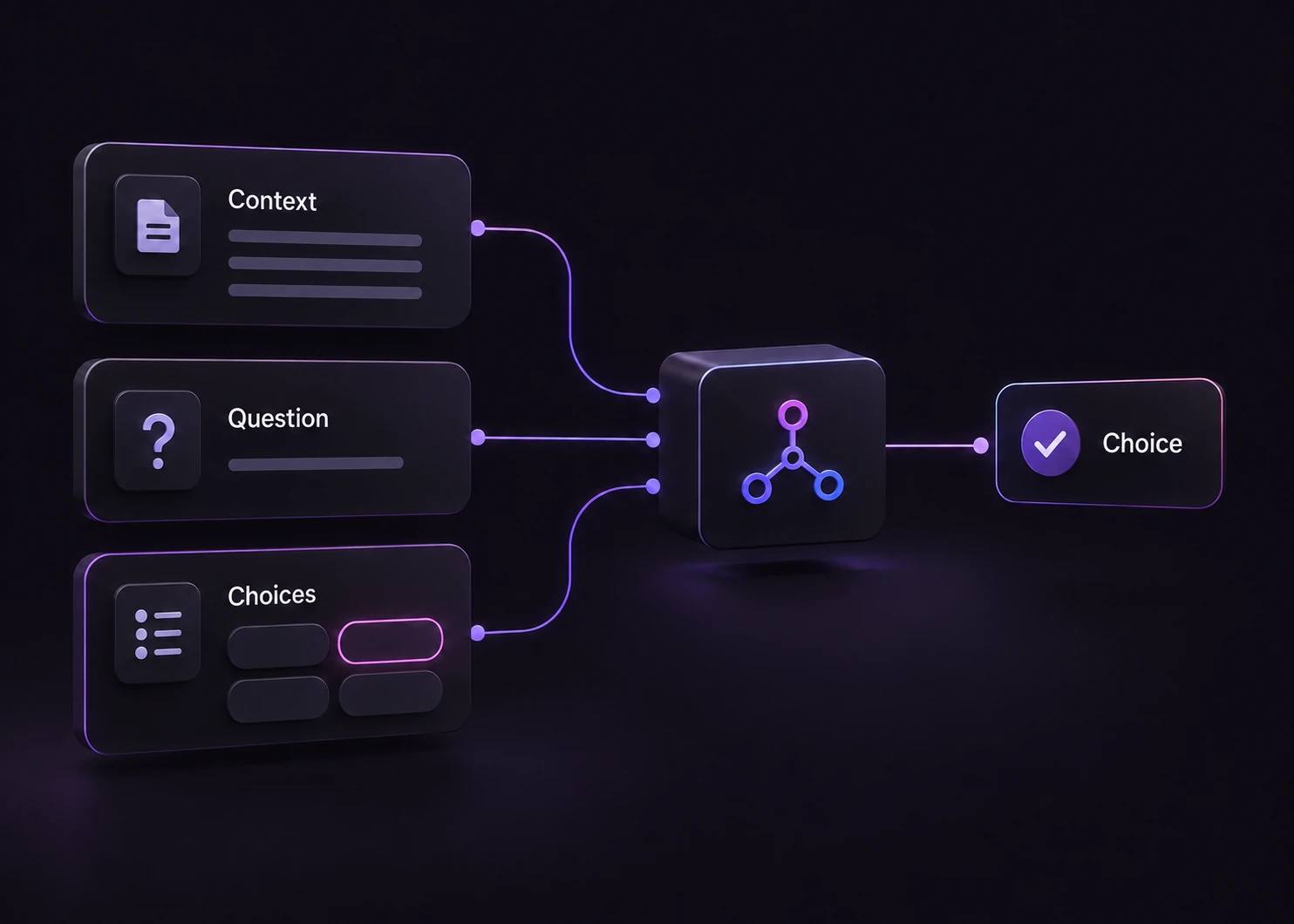
Describe the situation, ask a question, define the valid routes, then inspect the result.

Describe what happened in the same words your application receives.

State the decision clearly, so the model knows what to resolve.
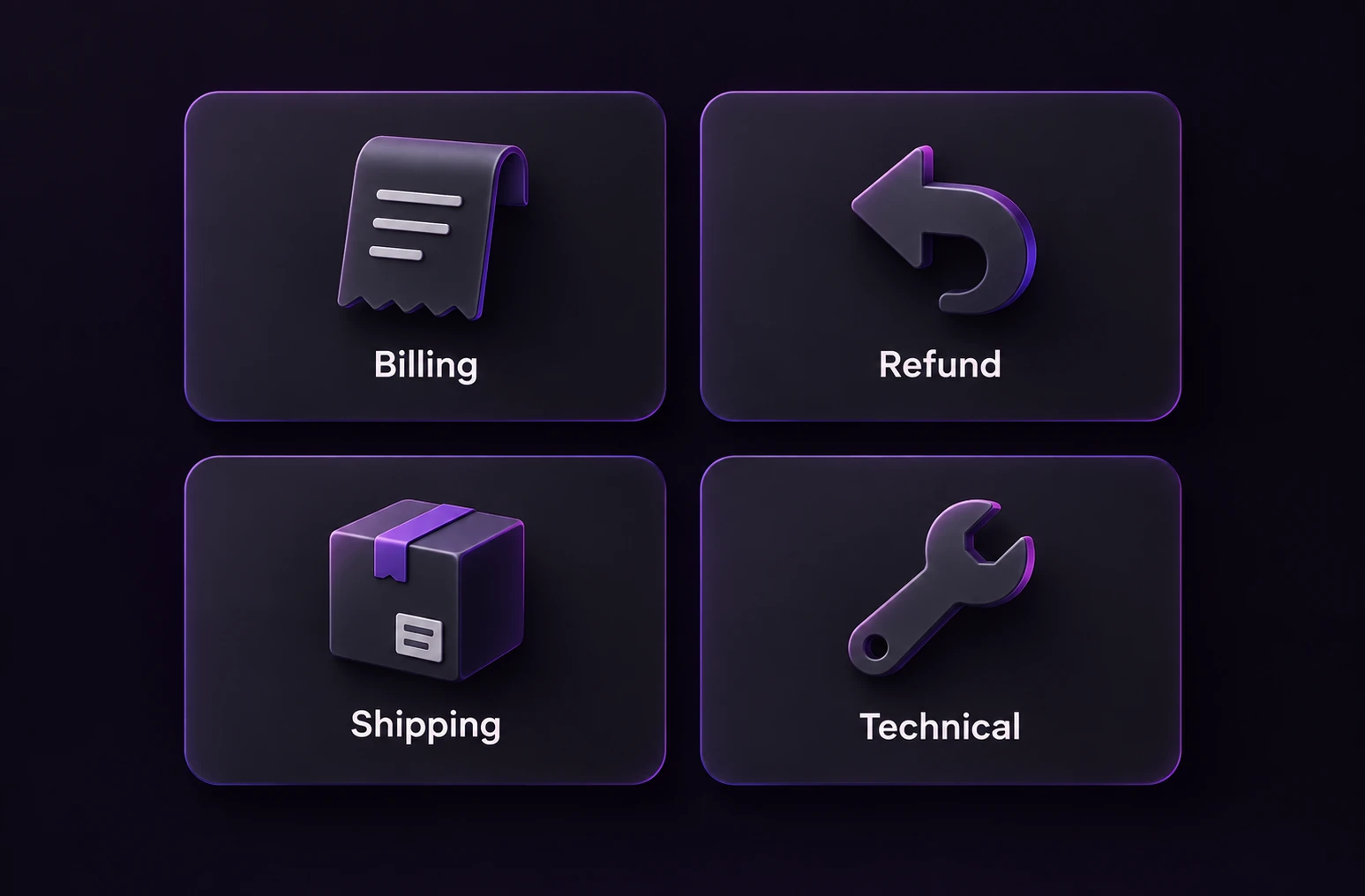
List the valid routes that your application can act on.
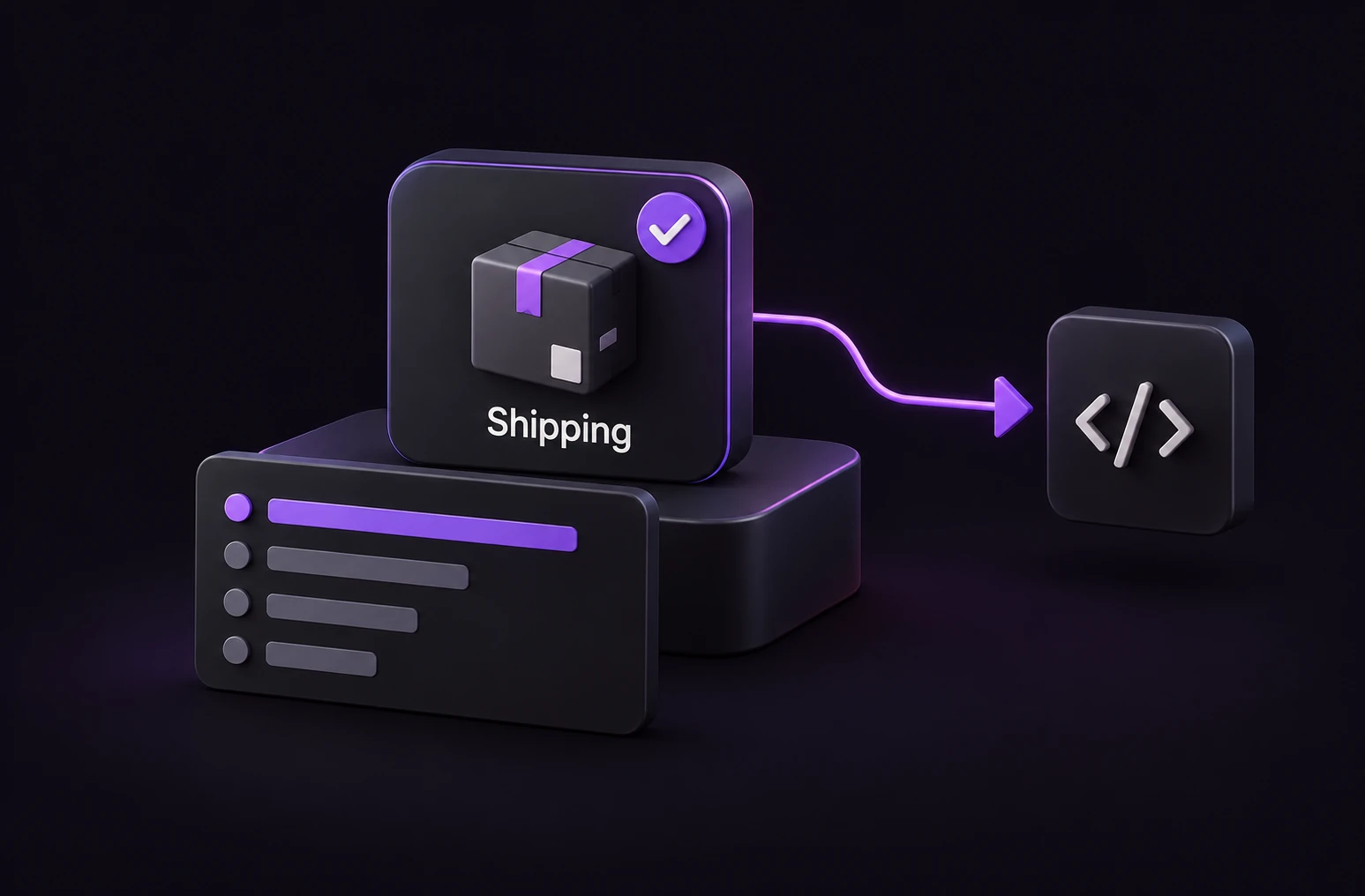
Inspect the leading choice and score before taking the next action.
Get to know the choices, confidence scores, and data handling before your first run.
The Jevai Playground offers single and batch text workflows. In single mode, supply context, one question and your allowed choices; the result includes a selected label, probabilities and confidence. Batch mode classifies text rows under enabled dimensions and shows row results and counts. CSV and JSON downloads are available for batch results.
Use CSV, TSV or TXT, or paste text. The browser file limit is 128 KiB; a batch supports up to 20 rows and 3 enabled dimensions. XLSX and image inputs are not supported here. Smaller per-row and total-text limits also apply and are checked before submission.
Review the distribution and the row status before using a result. A high confidence value can still accompany an incorrect decision. Keep an explicit review policy, inspect failed or timed-out rows separately, and do not count them as successful classifications.
Editing or loading an example does not run a decision. Submitted text is sent through this site's protected service to TypeSafe after security verification. Avoid secrets or personal data. Downloaded CSV or JSON files are assembled in your browser, while submitted requests are processed by the site proxy and TypeSafe API under their operational policies. The displayed request time includes network and service work; the cost display is an API estimate, not a bill or benchmark.
Start with a support example, then bring your own input here.