Classify text in Google Sheets with Jev
To classify text in Google Sheets with Jev, give each formula a cell, a question and allowed labels. This tutorial pairs source-compatible formulas with our separate six-row web demo.
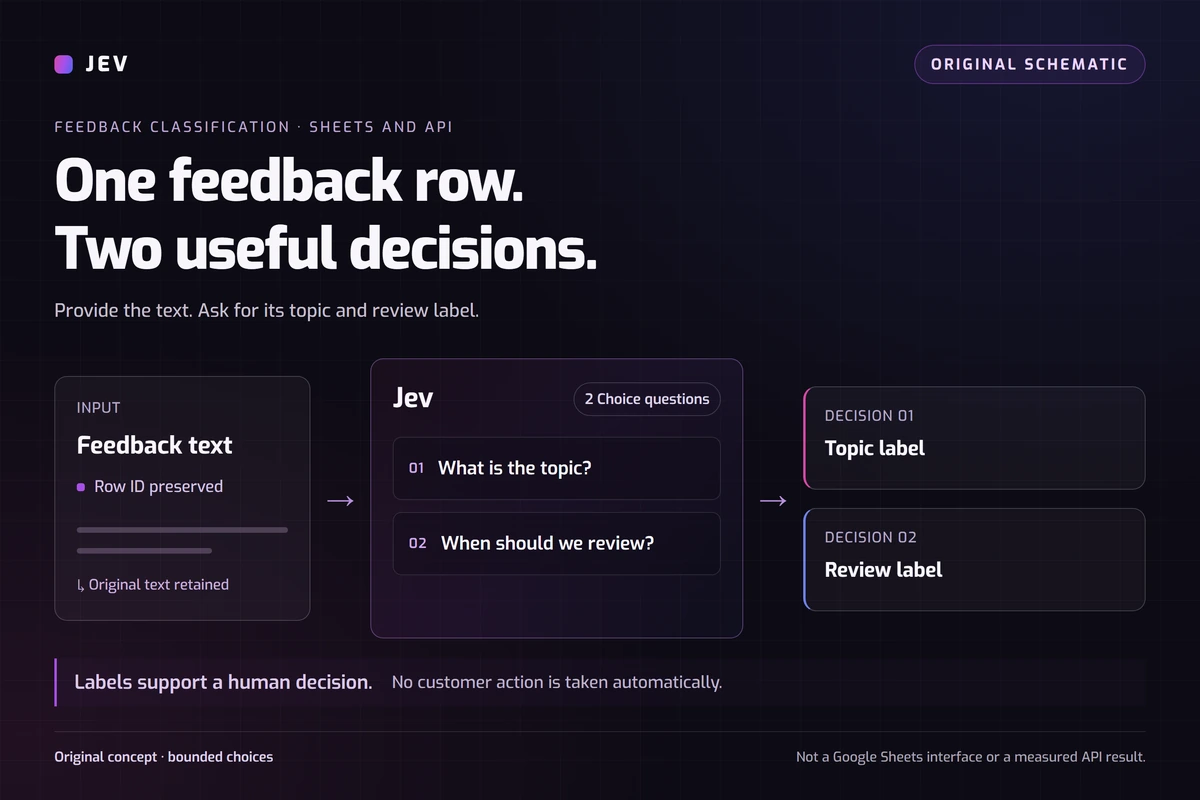
How do you classify text in Google Sheets with Jev?
Use one question to identify the feedback topic and another to suggest when a person should review it. The two answers describe different things: a resolved bug can remain a Product defect while receiving Review later.
Our six messages are original synthetic examples. Try them below, or use the Playground for another small classification task. The web demo makes real API requests; it does not execute Google Sheets formulas.
The formula interface comes from dbredesen's Jev for Sheets. We inspected its source at commit 6644d9544f8e8f15909f80555b18a3a8b1cd4425. We did not independently install its Apps Script project or reproduce the author's worksheet tests.
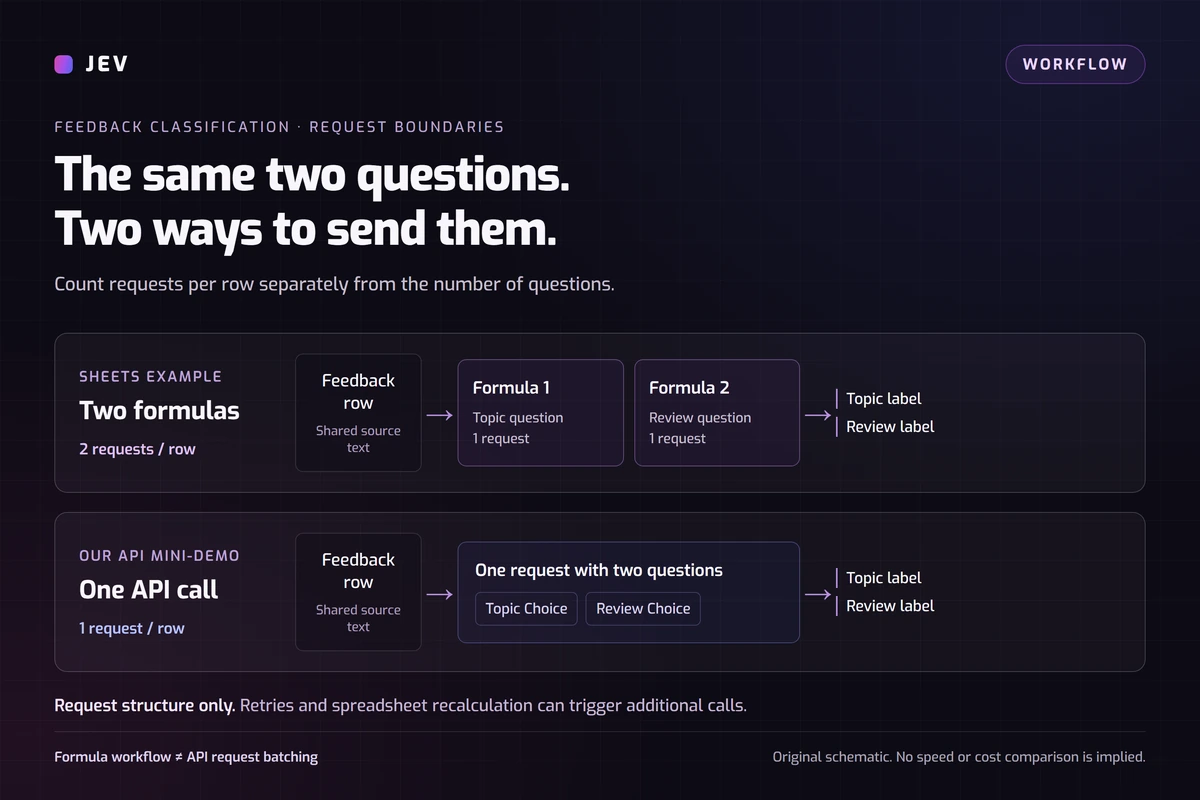
Keep topic and next step as separate questions
The complete rules JSON defines both questions and their shared instructions. Use stated events and timing. A customer's report is a claim to investigate, and tone alone does not establish urgency.
The topic question includes Billing, Product defect, Feature request and Other. It uses Other when there is no clear main topic. The next-step question has Review now and Review later; neither label authorizes an automatic refund, reply or rejection.
- Review now covers a stated current block on an essential task, an unresolved incorrect or duplicate charge, or ongoing data loss.
- Review later covers routine feedback, ideas, resolved issues and unclear current impact. Unclear cases stay in the normal queue for clarification.
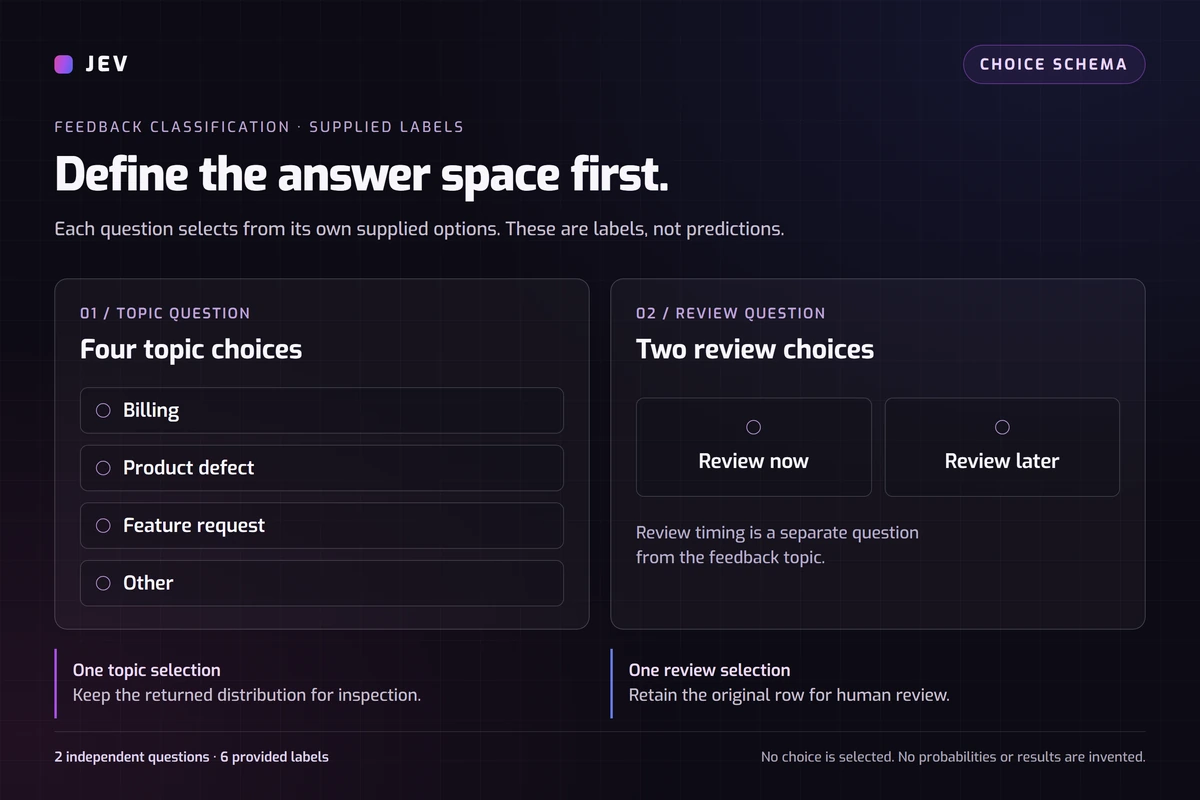
Set up the author's formula project
The author's installation instructions describe a script attached to one spreadsheet. Execution happens on Google's servers. These are documented steps, not our installation test. The reviewed version does not have an approved public Marketplace listing.
- Clone the repository, check out the reviewed commit, and use Node 20 or newer. Run npm test, then npm run build.
- Open a new blank sheet and choose Extensions > Apps Script. Replace Code.gs with dist/Code.gs from the build.
- In Project Settings, expose the manifest and replace it with dist/appsscript.json. Save and reload the sheet; this path requires no deployment.
- Run all four registration checks in the README before connecting a key. An Unknown function error means registration failed.
- Open the project's API key & connection menu, authorize it, save your TypeSafe key, test it and connect it to this spreadsheet. Keep the key out of cells.
Add two JEV_CHOICE formulas
Import the sample feedback CSV and put its text column in A2:A7. Create a Rules tab and paste the one-row Rules TSV into A1; it fills A1, B1 and C1 with the full shared instruction and two questions. The ready-to-copy formulas use those cells. Both downloads use the same rules as our demo.
For the topic column, enter =JEV_CHOICE(A2,Rules!$A$1&CHAR(10)&Rules!$B$1,"Billing","Product defect","Feature request","Other").
For the next-step column, enter =JEV_CHOICE(A2,Rules!$A$1&CHAR(10)&Rules!$C$1,"Review now","Review later"). Fill both formulas down through row 7.
These examples follow the reviewed function signature. Each question includes the full policy. The source adds instructions scoped to data and sends the cell value there. We have not executed these formulas in Sheets, so their results are not assumed to match our web run.
Try the original two-question web demo
Load the six samples and keep both dimensions selected. They cover duplicate charges, a blocked export, a feature idea, praise, a resolved glitch and mixed feedback. Run them, read the labels beside the unchanged text, and export the results.
Then edit one message and rerun it. For example, change whether the reported problem still blocks work. This creates a new observation under the same rules; it does not establish how the model handles every customer message.
How does the web request differ from the formulas?
Our adapter puts one row in state.text. It builds two Choice questions with the TypeSafe JavaScript SDK. Each question's instructions contain its task, the shared classification rules and a scope statement limiting the judgment to that text.
Both questions share one systemOne call. In the author's wrapper, two formulas make separate calls using state.data. Matching business rules does not make these requests identical. Our Jev model guide explains the broader decision interface.
What did the six-row run return?
On September 25, 2026, all six requests in our controlled adapter run succeeded, returning 12 choices from jev-1.13.0. Download the observed results to inspect each input and response.
Median client-observed duration was 348.5 ms per request, ranging from 296 to 902 ms. These adapter timings include network and response handling. They exclude browser interaction and Turnstile, and say nothing about Apps Script execution.
The usage-derived estimate was $0.000233016 for those six requests using the recorded model rate. It excludes separate selection and review calls and is not an invoice. No expected labels were independently annotated, so we report outputs rather than accuracy.
Recorded labels for six synthetic rows
| Sample | Topic | Next step |
|---|---|---|
| feedback-01 | Billing (100%) | Review now (100%) |
| feedback-02 | Product defect (100%) | Review now (100%) |
| feedback-03 | Feature request (100%) | Review later (100%) |
| feedback-04 | Other (100%) | Review later (100%) |
| feedback-05 | Product defect (100%) | Review later (100%) |
| feedback-06 | Billing (57%) | Review later (95%) |
- Percentages are selected-label probabilities, not measured accuracy. All expected labels were null; this is an unscored synthetic smoke test.
- Measured through our server adapter, not through Google Sheets. The source project installation was not independently tested.
Original six-row API run, jev-1.13.0, recorded 2026-09-25.Verified
Inspect the mixed feedback before acting
The sixth message mentions a possibly high receipt and an incomplete export, without identifying a main concern. Jev selected Billing at 0.57; Other received 0.22 and Product defect 0.21. Topic confidence was 0.42. Its next-step result was Review later at 0.95.
A separate same-model review, explicitly matching each row to each question, marked 11 decisions consistent and this topic decision ambiguous. Ambiguous received 0.60 in that review. We retained the original Billing output; the review is another model judgment, not independent validation.
The Choice reference distinguishes the selected label, its probability distribution and confidence. Neither probability nor confidence measures accuracy on your customers. Read the feedback before turning a label into work.
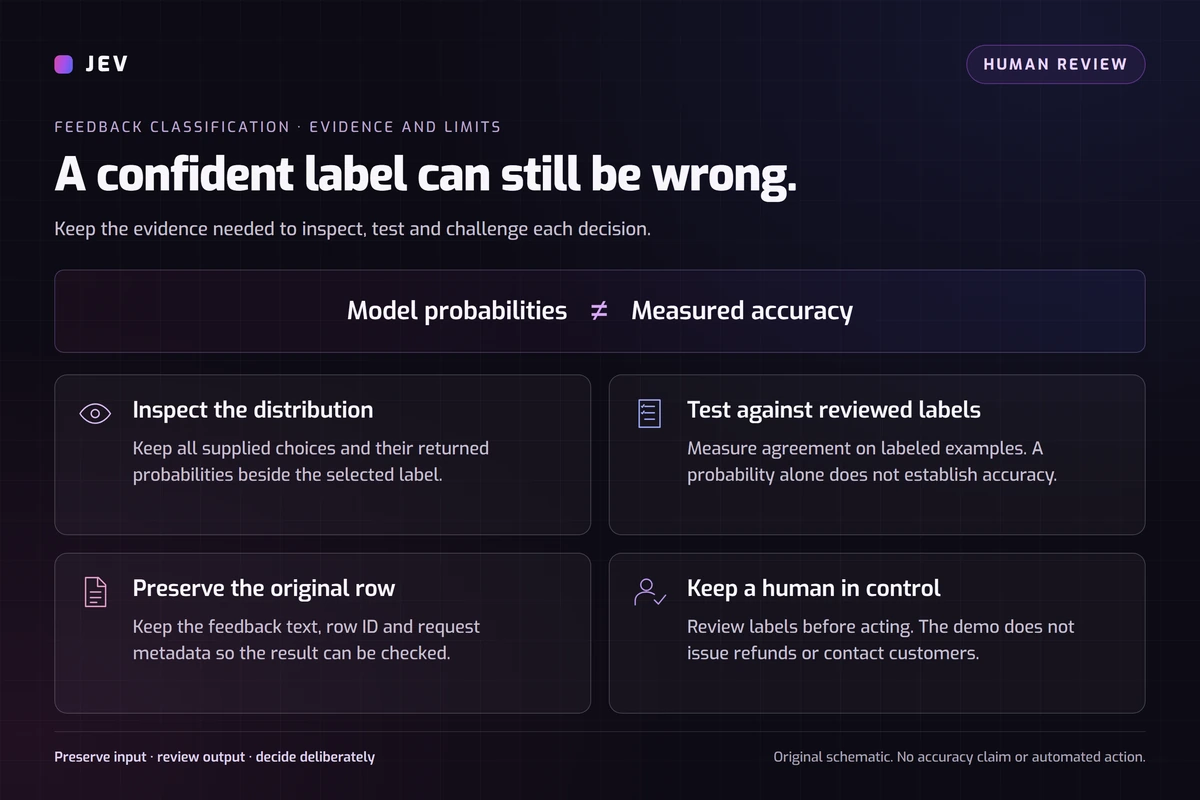
What should you check before using real feedback?
The reviewed source adapter has no cache, cross-formula batching or automatic retry. Two formulas evaluated once on six nonblank rows imply 12 requests. Recalculation can add requests; fewer calls alone do not prove lower token use or cost.
Google limits custom functions to 30 seconds. The source stores a connected key for the spreadsheet; collaborators consume that connection's usage. Trust editors who can modify the attached script, and remove private customer details before testing.
Google also offers AI() categorization. This tutorial explores one Jev workflow without benchmarking alternatives. Keep a copy of your text and rules, inspect a small sample, then adapt the pattern using the examples library.
Questions about spreadsheet classification
Does JEV_CHOICE return confidence?
It returns the selected label. The author's raw JEV function returns full response JSON, including probability fields. Our web demo also retains the distributions.
Why do two formulas make more requests than the web demo?
Each source formula makes its own request. Our demo sends both questions together for one row. Six rows still require six requests; uploading them does not create one combined call.
Can these formulas classify an entire range at once?
The reviewed convenience functions accept one data cell or literal. Vertical ranges can supply allowed labels, but a multi-cell data range is rejected. Fill the formulas down instead.
Does Review later mean ignoring the feedback?
No. The demo policy places it in the normal human-review queue. Unclear current impact calls for clarification, not automatic rejection.
Keep exploring Jev
 Try
TryRun a finite decision
Load an editable example, change the context, and inspect a real API result.
Open Playground Model
ModelMeet the decision model
Understand the input contract, output format, and task fit.
Explore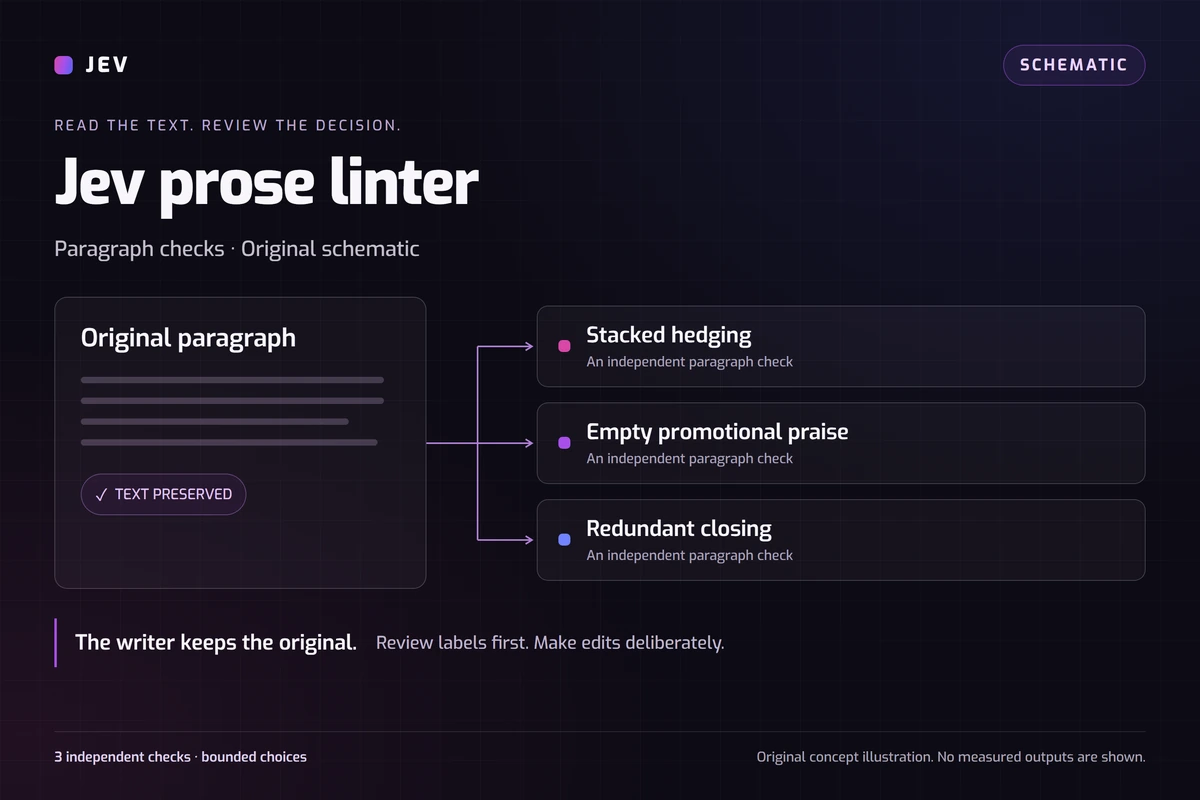 Writing quality
Build a Jev prose linter
Try three paragraph checks with original samples, observed results, and editable rules.
Try the paragraph checksTry your own feedback and labels.
Start with six samples, inspect the returned decisions, then edit the rules for your own small test.