Choose the route. Then let the model work.
Put a focused decision before your next model call. Define the routes your application supports and give every request a deliberate starting point.
Explore model routing
Jevai (jevai.pro) is an independent Playground and guide to TypeSafe's Jev decision model. Try your own context and choices, explore editable examples, and learn how to route requests, select tools and classify text.
Give every route, label, and tool call a clear decision boundary.
Put a focused decision before your next model call. Define the routes your application supports and give every request a deliberate starting point.
Explore model routingBring the situation, ask one specific question, and name the valid outcomes. A support ticket becomes a team your application can send it to.
See the support recipe
Inspect the ranked choices, then set your own policy. Confident results can move forward; uncertain ones can stay in a review queue.
Test a decision
Use Jev when a small set of routes needs to be inspected, measured, and acted on.
Turn routing and classification rules into an explicit request contract.
Separate routine tickets from cases that need a human or deeper reasoning.
Choose one tool or route from a controlled list and keep the fallback visible.
Compare fit, confidence, latency, and cost with a repeatable shape.
Give the model a situation, a question and a set of choices. Get a decision your code can use.

Describe what happened in the same words your application receives.

State the decision clearly, so the model knows what to resolve.
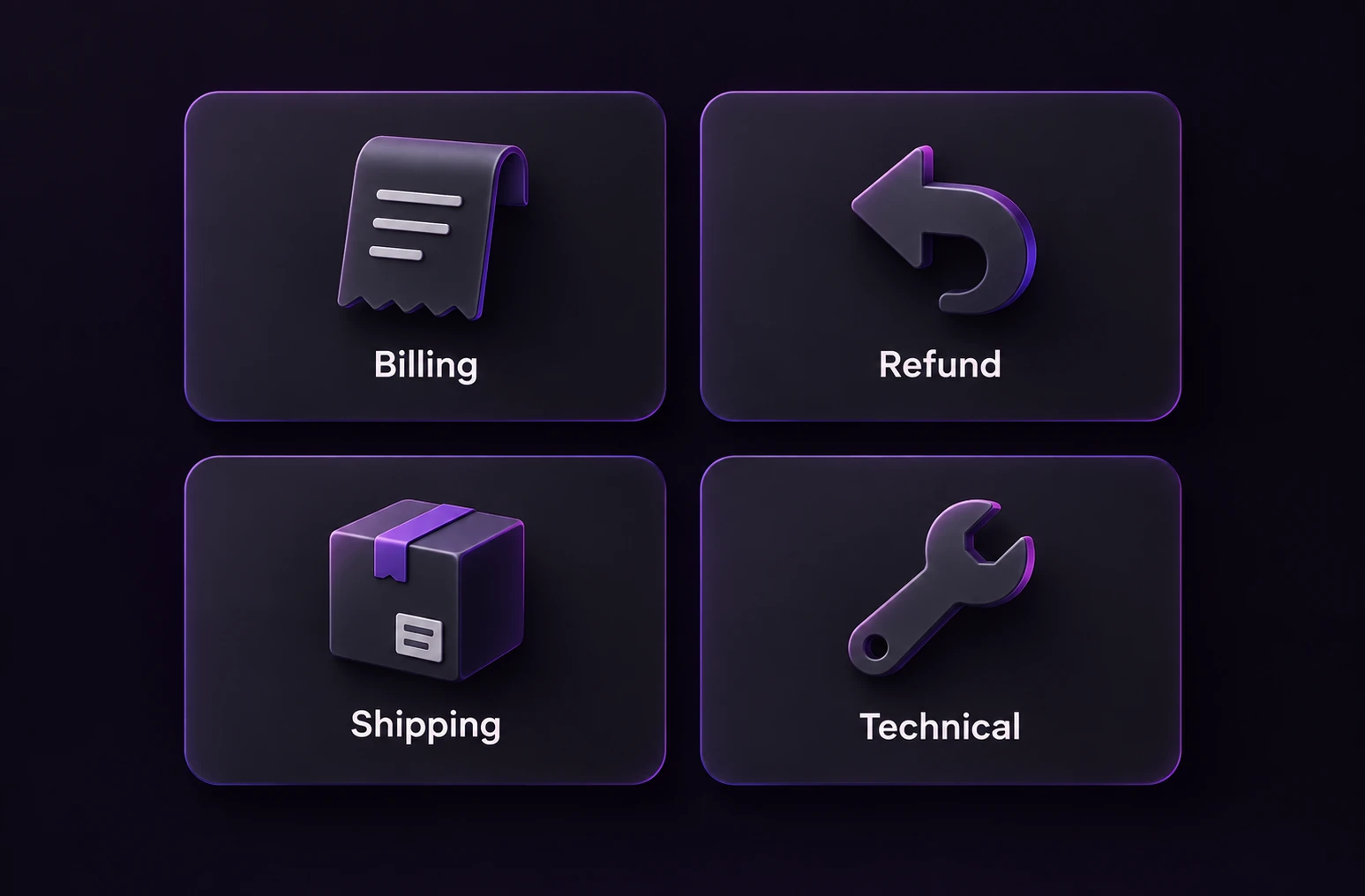
List the valid routes that your application can act on.

Inspect the leading choice and score before taking the next action.
Find the model, see who builds it, and explore where it fits in your workflow.
 TypeSafe AI
 Convai InnovationsUse case
Use an explicit policy to choose a fast model, a reasoning model or human review for the next task.
ExploreRecipeClassify incoming support requests with an explicit human fallback.
ExploreModelUnderstand the input contract, output format, and task fit.
ExploreA few things to know about the model and the way to use it.
Jevai (jevai.pro) is an independent site for trying and learning about Jev, TypeSafe's decision model. Use the Playground and editable examples to choose a route or label from supplied options. Try an input, inspect the returned choice and probabilities, then follow a workflow guide or recipe to plan an integration. TypeSafe provides the model; Jevai provides this site's interface and guides.
Use the Choice workflow here when your application already knows the allowed outputs, such as teams, tools or model routes. A generative model remains useful when the task needs a written answer. The two can work together: a decision selects a handler, and your code runs the next step.
Yes. Edit the context above and open Customize question and choices, or use the full Playground for single and batch text tasks. A request runs when you submit after security verification. Examples select labels; they do not execute tools, send replies or change your accounts.
Confidence describes the returned distribution, not a guarantee that the decision is correct. Evaluate representative inputs, include a review or no-match path, and keep permissions and business rules in your application. Start with the Playground, then follow the support-routing recipe and official TypeSafe documentation.
Try the playground with your own context and choices, then bring the same decision into your project.