What you can test
- Catalog descriptions and fixed labels
- A book topic versus the actual item
- Joining saved decisions to source rows
Try Jev DuckDB row classification as two separate steps: an editable API decision here and a local SQL join of saved results. No native extension is installed.
A classification becomes useful in a table when you can join it back to the exact source row. In this original exercise, a stable row ID travels alongside each supplied product description. The model chooses a category; application code stores the answer and SQL groups the rows.
Hamilton Ulmer's post describes a DuckDB extension for row classification. We have not verified that extension's package or reproduced it. The browser here calls our existing server-side Jev adapter for one row. The accompanying local DuckDB example joins saved real API outputs; it neither installs the author's extension nor calls MotherDuck prompt_jev.
Keep row IDs outside the semantic decision. Filter or deduplicate data before requesting classifications, then join results with IDs rather than row order. If a request fails, keep that row pending instead of inventing a label. Check that every stored choice belongs to the supplied set before writing it to a downstream table.
Download the Python example Download the original rows and observed results Read about the Jev model
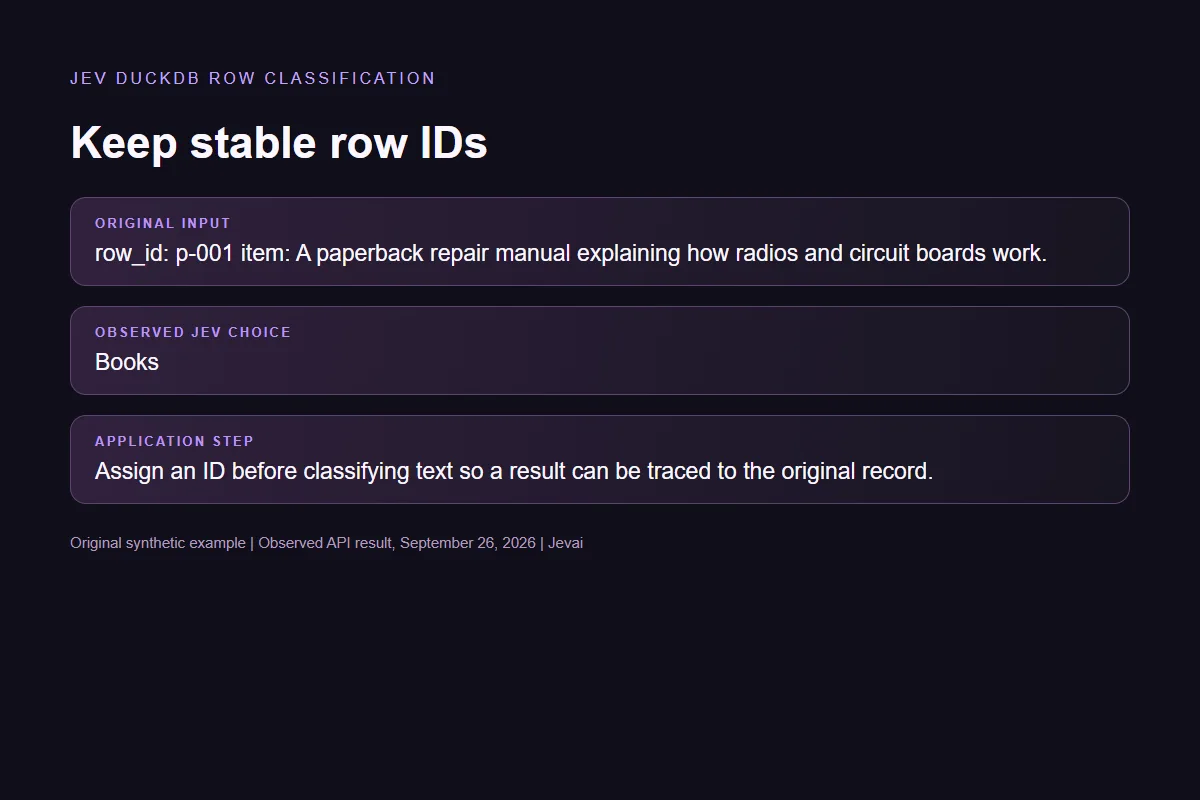
Keep the supplied data, the model decision and the application action separate.
Assign an ID before classifying text so a result can be traced to the original record.
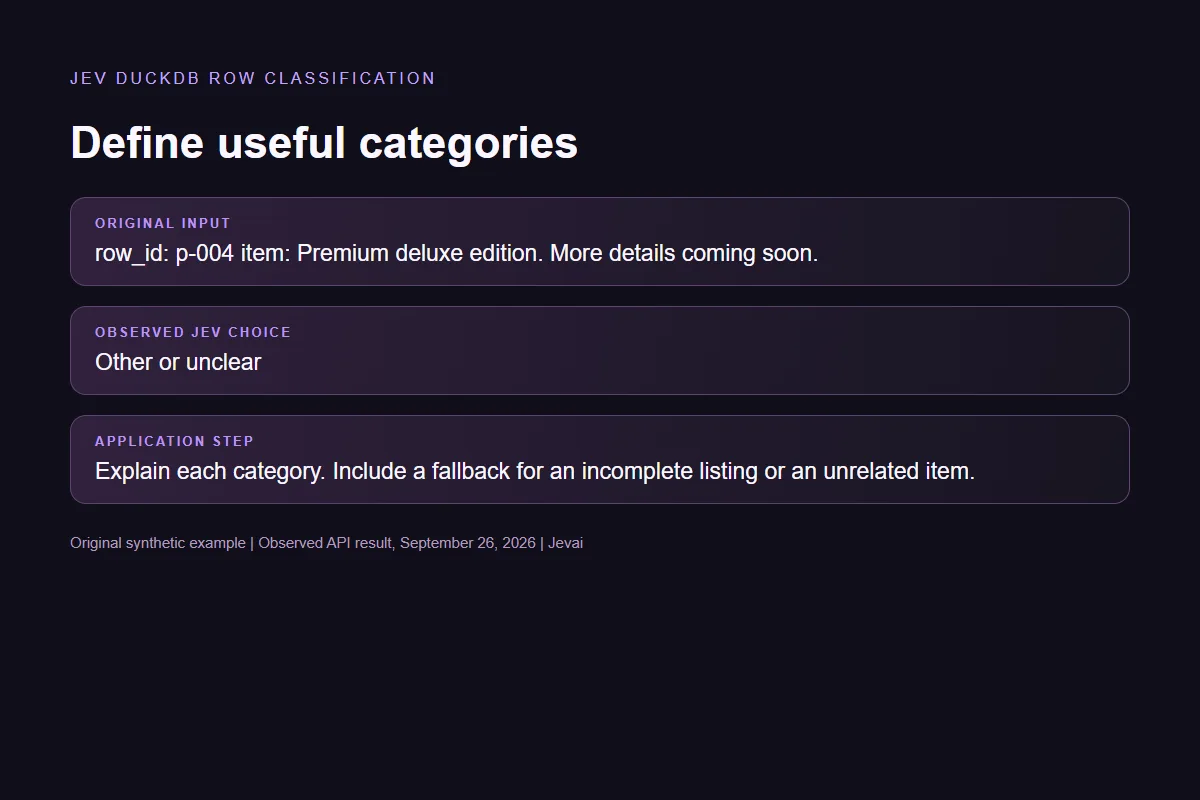
Explain each category. Include a fallback for an incomplete listing or an unrelated item.
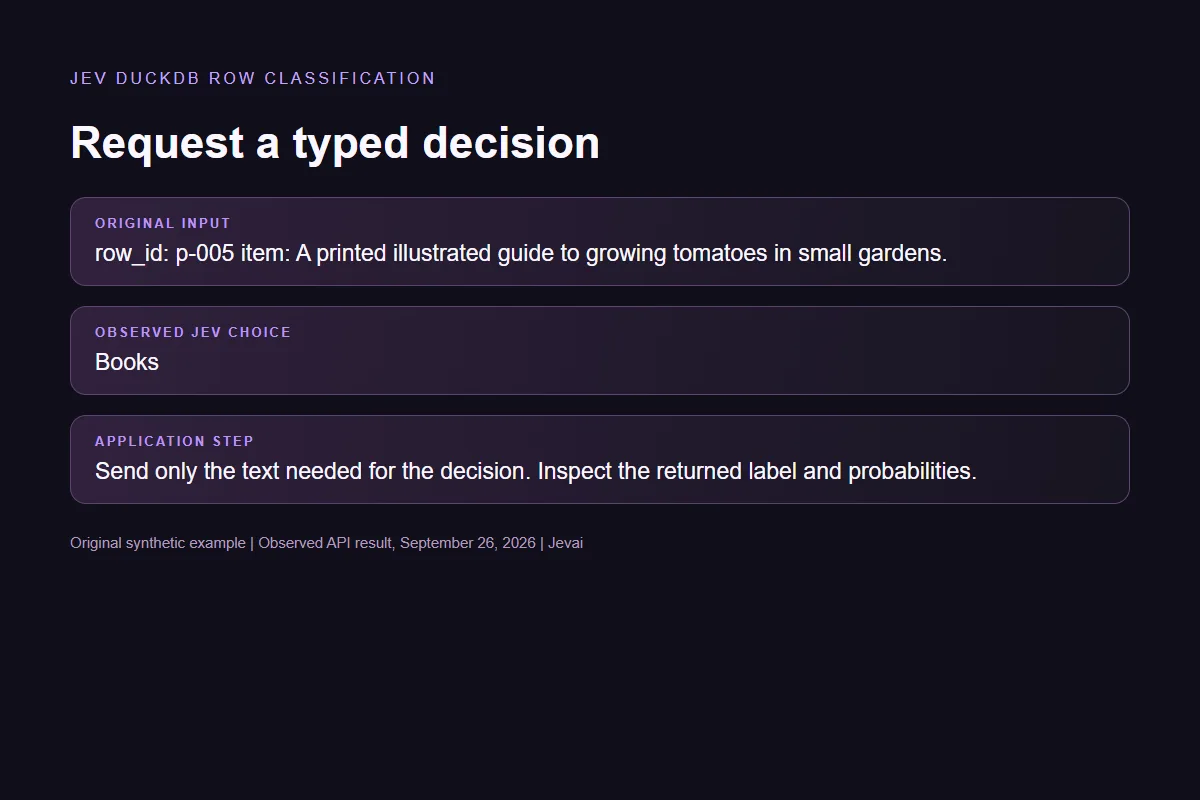
Send only the text needed for the decision. Inspect the returned label and probabilities.
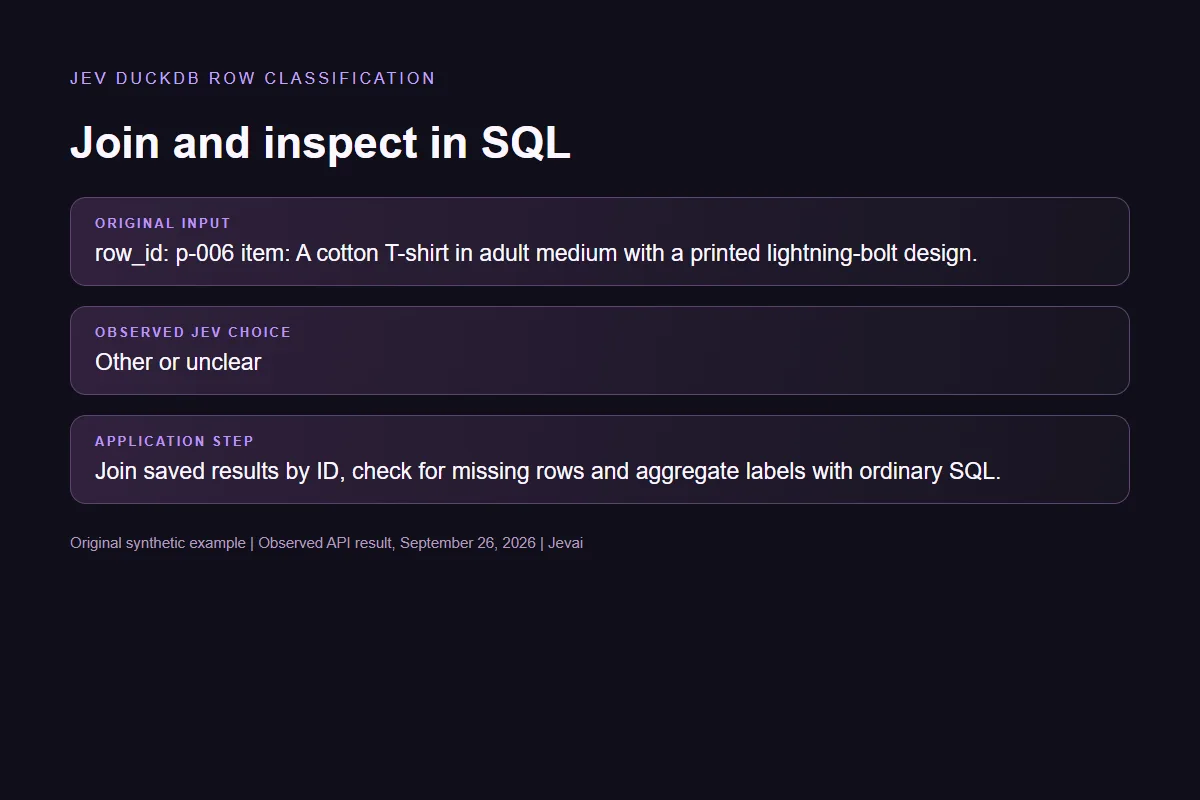
Join saved results by ID, check for missing rows and aggregate labels with ordinary SQL.
| Original input | Observed label | Leading probability |
|---|---|---|
| A book about gadgets | Books | 100% |
| An electronic reader | Electronics | 100% |
| A garden planter | Home and garden | 100% |
| Incomplete listing | Other or unclear | 97% |
| A book about gardening | Books | 100% |
| Outside the categories | Other or unclear | 100% |
Six live Jev requests on September 26, 2026. Synthetic examples, not an independent accuracy benchmark. Fresh requests may return different distributions.Verified
Download the Python file and observed-rows.json into the same folder. Install DuckDB 1.5.5 in a local Python environment, then run python join-results.py. It reads the saved results without an API key, joins them to the source rows and prints the joined records and category counts.
In our local run, the six real API decisions produced two Books rows, one Electronics row, one Home and garden row and two Other or unclear rows. The saved decision array is deliberately reversed; joining by ID still attaches each label to the correct source record. This checks data handling rather than measuring model accuracy.
To create a fresh decision, use the editable browser form above. The browser does not update the downloaded fixture or execute SQL. In your own pipeline, write the new label with the same immutable ID before running the join; leave failed or missing responses pending. The example script rejects an unexpected label or a missing row instead of silently completing the dataset.
# pip install duckdb==1.5.5
# Place observed-rows.json beside this script. No API call or API key needed.
import json
from pathlib import Path
import duckdb

fixture = json.loads(Path(__file__).with_name("observed-rows.json").read_text())
rows = [(r["id"], r["text"]) for r in fixture["sourceRows"]]
answers = [(r["id"], r["choice"]) for r in fixture["decisions"]]
if any(label not in fixture["choices"] for _, label in answers):
    raise ValueError("Unexpected label")
with duckdb.connect(":memory:") as db:
    db.execute("CREATE TABLE source_rows(id VARCHAR PRIMARY KEY, text VARCHAR)")
    db.execute("CREATE TABLE decisions(id VARCHAR PRIMARY KEY, label VARCHAR)")
    db.executemany("INSERT INTO source_rows VALUES (?, ?)", rows)
    db.executemany("INSERT INTO decisions VALUES (?, ?)", answers)
    missing = db.execute("""
        SELECT s.id FROM source_rows s
        LEFT JOIN decisions d USING(id) WHERE d.id IS NULL
    """).fetchall()
    if missing:
        raise ValueError(f"Unclassified rows: {missing}")
    joined = db.execute("""
        SELECT s.id, s.text, d.label FROM source_rows s
        JOIN decisions d USING(id) ORDER BY s.id
    """).fetchall()
    summary = db.execute("""
        SELECT label, count(*) AS rows FROM decisions
        GROUP BY label ORDER BY label
    """).fetchall()
    print(json.dumps({"joined": joined, "summary": summary}, indent=2))
This script replays the recorded results locally. It makes no model request and requires no credentials. To produce new results, run the editable API demo above.
Understand the choices, the source and what a live result means.
No. The browser tests a single row through the site API. The downloadable SQL example runs locally with DuckDB and saved real results. These are two explicit steps of the example.
No. MotherDuck documents a separate hosted SQL integration. This example makes no claim about its availability, syntax, pricing or performance.
Keep the original row and its ID, record the failure and leave the classification pending. Do not fill a missing result with the most common category or quietly drop that row.
Yes. Edit the text, question and choices before running. A successful request displays elapsed request time and a provider-usage cost estimate when available. Verification must finish first if a security check appears. The estimate is not a charge to you.
Try another input here or build a different Choice question in the Playground.