The decision playground

Give it context. See the choice.

Try a situation. Define the possible outcomes. See what a decision you can inspect looks like.

Decision workspaceLive API
Try an example

Choose an action from interface text, rather than generate a browser command. Try replacing the entire goal with a request to update a saved card.

Source: X · @milindlabs. Inspired by the author's UI-element selection demo. This is our text-only scenario; it does not control a browser or reproduce the reported timing.

View receiptsPayment methodsManage planContact salesNo suitable control
A real response from the Jev API

Edit any input to explore a different decision. No request is sent until you run it.

Your next decision

Not run yet

Choose an example or write your own input, then run it to see the ranked choices.

Results are not stored by this site. Your submitted text is processed by the API provider.

Input contract

Keep the input explicit.

Jev is easier to evaluate when the decision boundary is visible. Use one context, one question, and a finite choice list.

  • Context: what the user or system knows.
  • Question: the decision you want the model to make.
  • Choices: the only valid outputs your workflow accepts.
Glass decision instrument connecting context to one selected outcome
One context. A finite set of choices. A result your code can inspect.
First run

Run your first decision in four steps.

Describe the situation, ask a question, define the valid routes, then inspect the result.
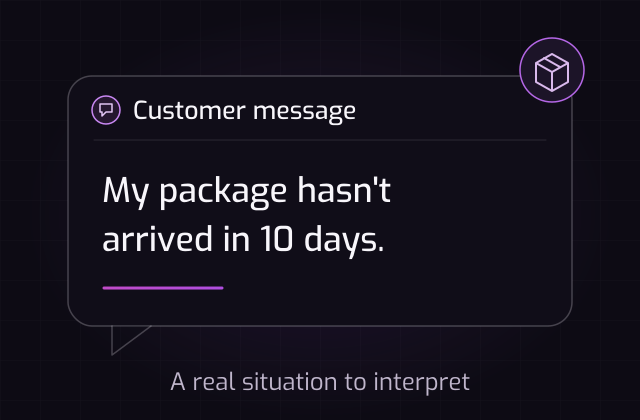
  1. A message card showing a package that has not arrived.

    Start with context

    Describe what happened in the same words your application receives.
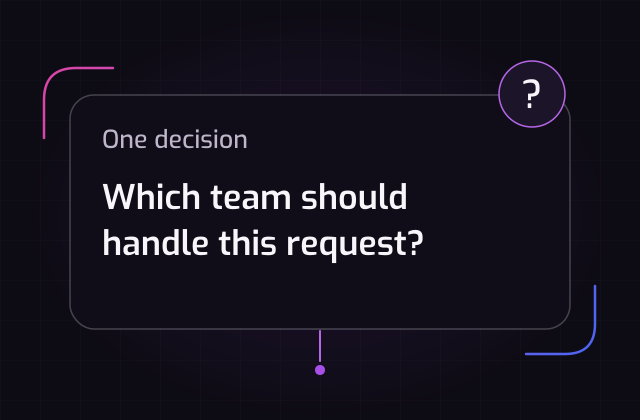
  2. A question asking which team should handle the request.

    Ask one question

    State the decision clearly, so the model knows what to resolve.
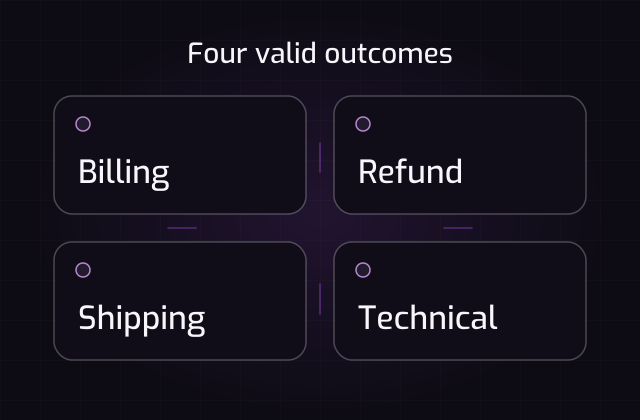
  3. Four choices: Billing, Refund, Shipping and Technical.

    Define the choices

    List the valid routes that your application can act on.
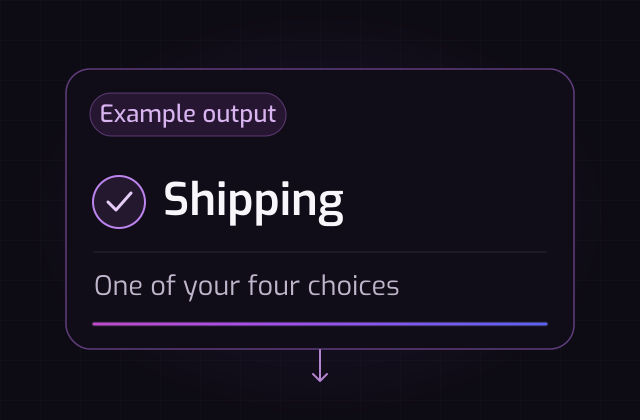
  4. Illustrative Shipping result, marked as an example output.

    Use the decision

    Inspect the leading choice and score before taking the next action.

Fit check

Use Jev where choices are finite.

Good fit

Finite decisions

  • Routing requests to a known team.
  • Choosing one tool from a controlled list.
  • Flagging content for human review.
Look elsewhere

Open-ended work

  • Long-form writing with no fixed output.
  • Tasks that require open-ended generation or a multi-turn conversation.
  • Problems with no stable choice set.
Playground FAQ

Questions before you test.

Get to know the choices, confidence scores, and data handling before your first run.

Does Jev return only one answer?

The leading choice is returned with a probability distribution across the provided choices, so your application can set its own threshold.

Can I use my own labels?

Yes. Choices are supplied with each request and can represent teams, tools, moderation outcomes, or any other finite route.

What happens at low confidence?

Use the score to route the request to a human, a fallback model, or a review queue. The policy belongs to your application.

Will my test be saved?

Your submitted text is processed for the current request and is not saved by this site. Avoid uploading private or sensitive information.

Have a real routing problem?

Start with a support example, then bring your own input here.