An explicit output space
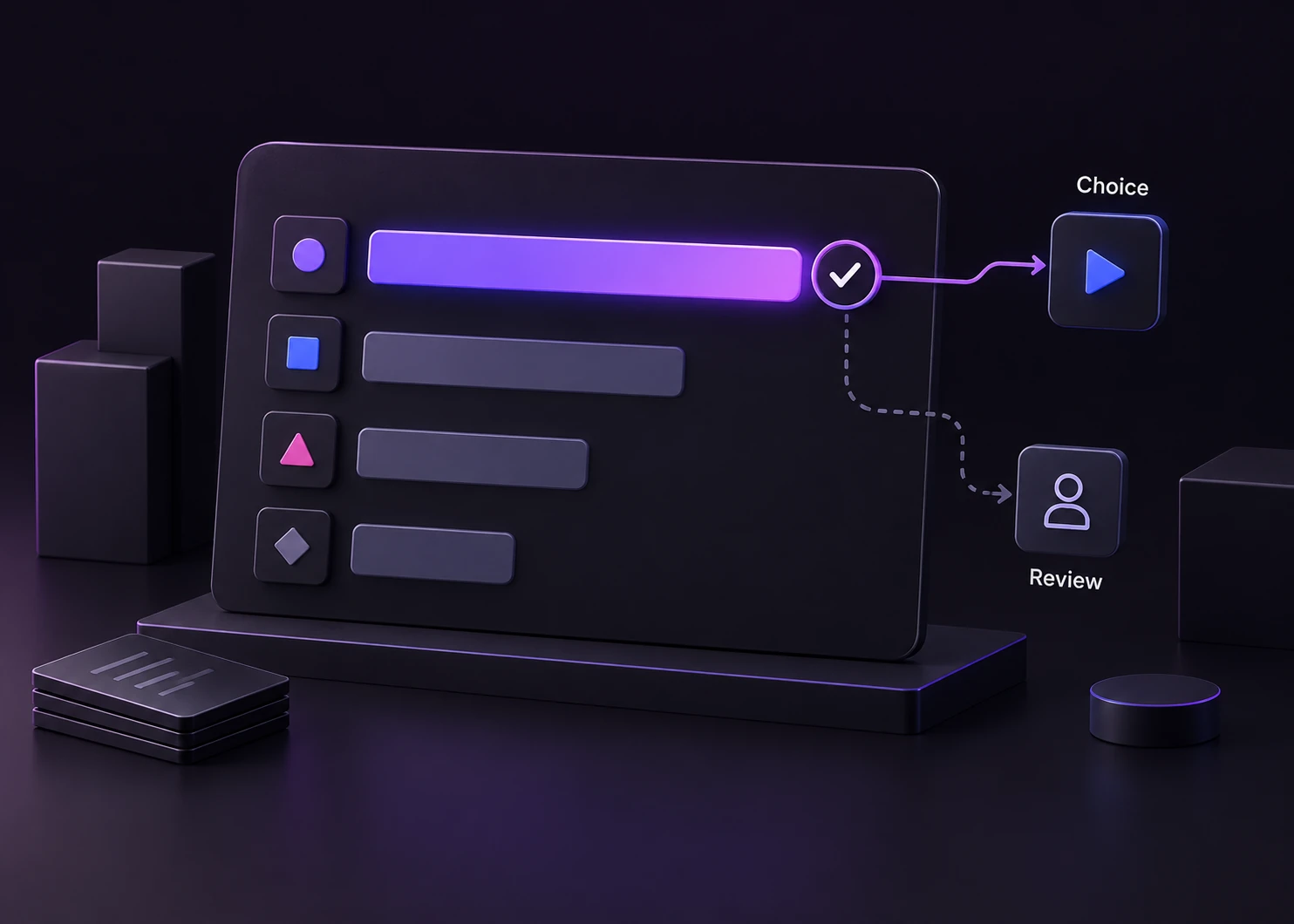
Name the valid labels before a request. A Choice returns one of those labels, so your application can map it to an allowed route.
Meet Jev through the decisions your application needs to make: where to route a request, which tool to select, and when to ask for review.
The facts below describe the documented API. Jevai.pro is an independent guide and Playground; TypeSafe operates the model API.
| Specification | Jev | In your application |
|---|---|---|
| Model identifier | jev-latest | A moving alias. Record the resolved response.model when evaluating a run. |
| Verified alias target | jev-1.13.0 on 2026-09-23 | An observed documentation value, not a guarantee that the alias stays on this version. |
| Input modality | Text | Convert a CSV or table to text or structured state in application code; uploaded images are not model inputs. |
| Request structure | model + state + questions | The Playground maps Context, Question and Choices into a Choice question in the official request. |
| Choice response | choice + probabilities + confidence | Use the selected label and inspect the distribution. Confidence is not a measured accuracy percentage. |
| Documented context | 64k tokens total; state + longest question must fit within 32k | These are provider model limits. This public Playground applies smaller input and batch limits. |
| Official endpoint | POST /v1/systemone | Call api.typesafe.ai from your server with a protected TypeSafe API key. |
| Pricing and capacity | Consult the current TypeSafe model documentation | Provider prices and rate limits can change. Measure latency and complete workflow cost on your own workload. |
Checked against the TypeSafe model, API, Choice and confidence documentation listed in Sources.Verified
These examples load editable inputs into the Playground. Opening a sample does not send a model request.
A parcel is delayed and the customer wants a tracking update. Ask which team owns the request; provide the available support teams.
Try support routing
A user needs a receipt. Compare the visible controls with that goal and select one allowed control, or No suitable control.
Try a browser decision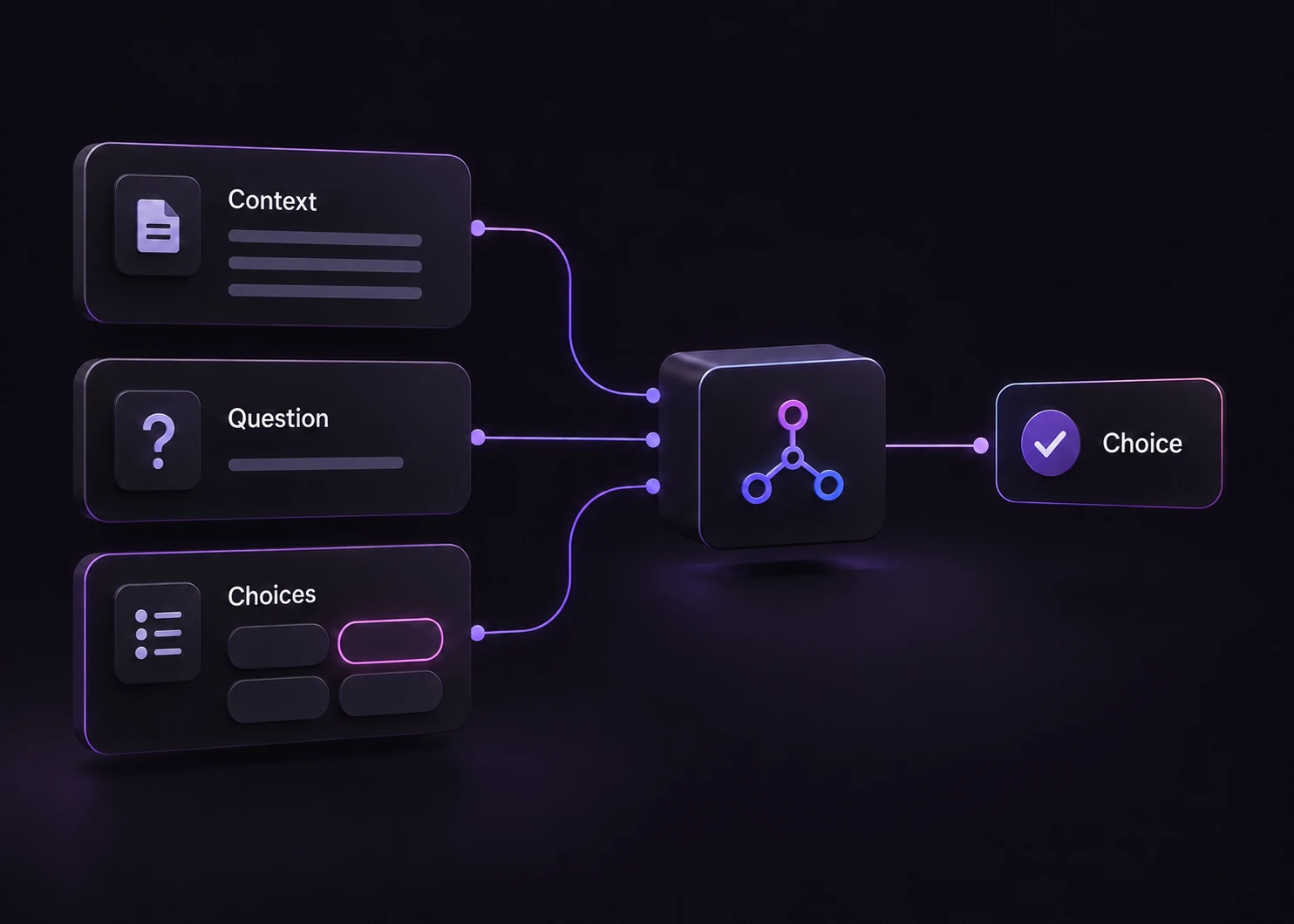
A plan description excludes single sign-on. Decide whether a claim about access is supported, contradicted, or not settled by the supplied excerpt.
Try citation checking
Include the information needed for this decision. Leave out unrelated logs and redact customer identifiers that do not affect the route.
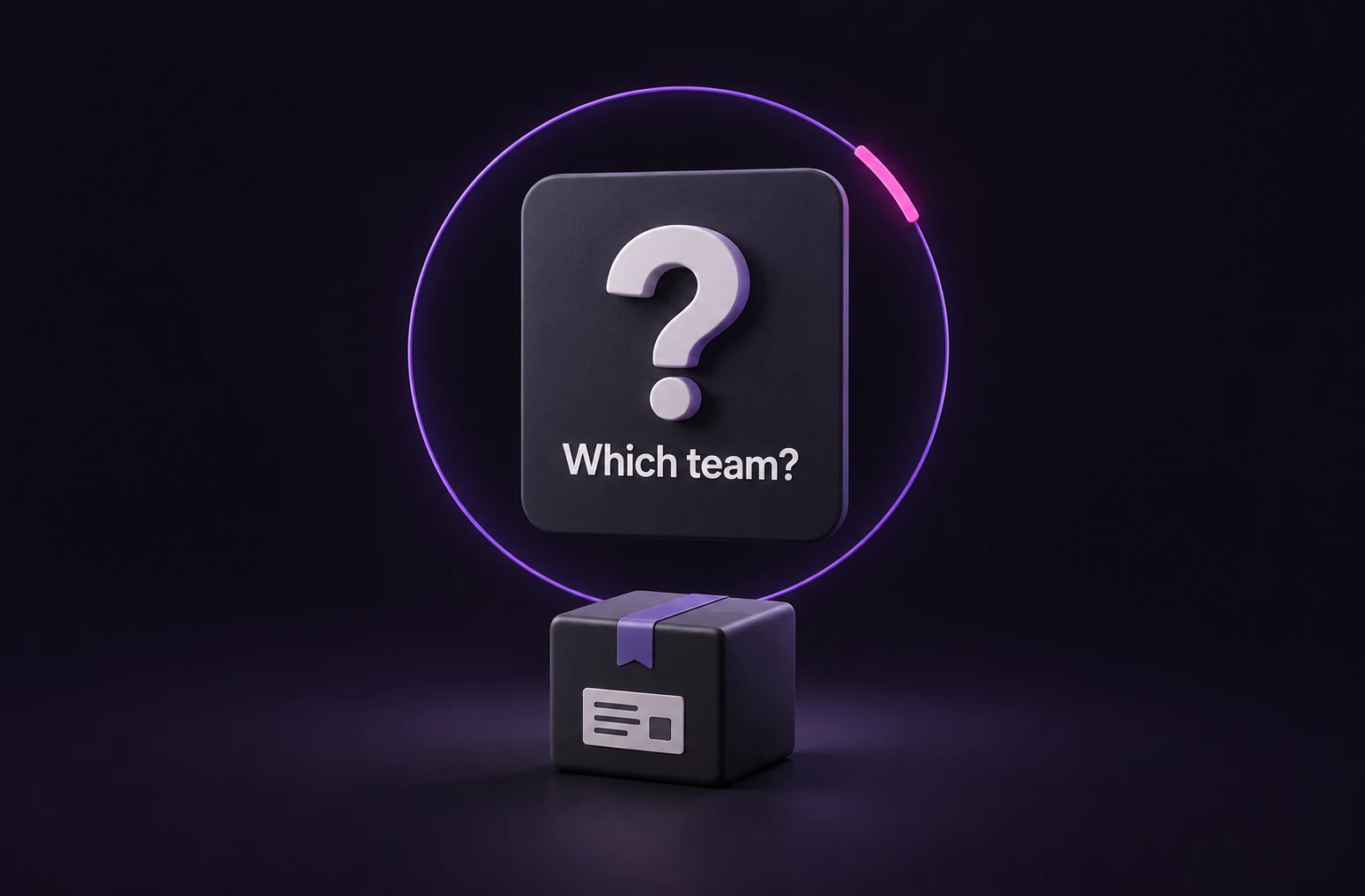
Make the task specific: which team, which tool, or which evidence block? Avoid asking for an undefined best answer.
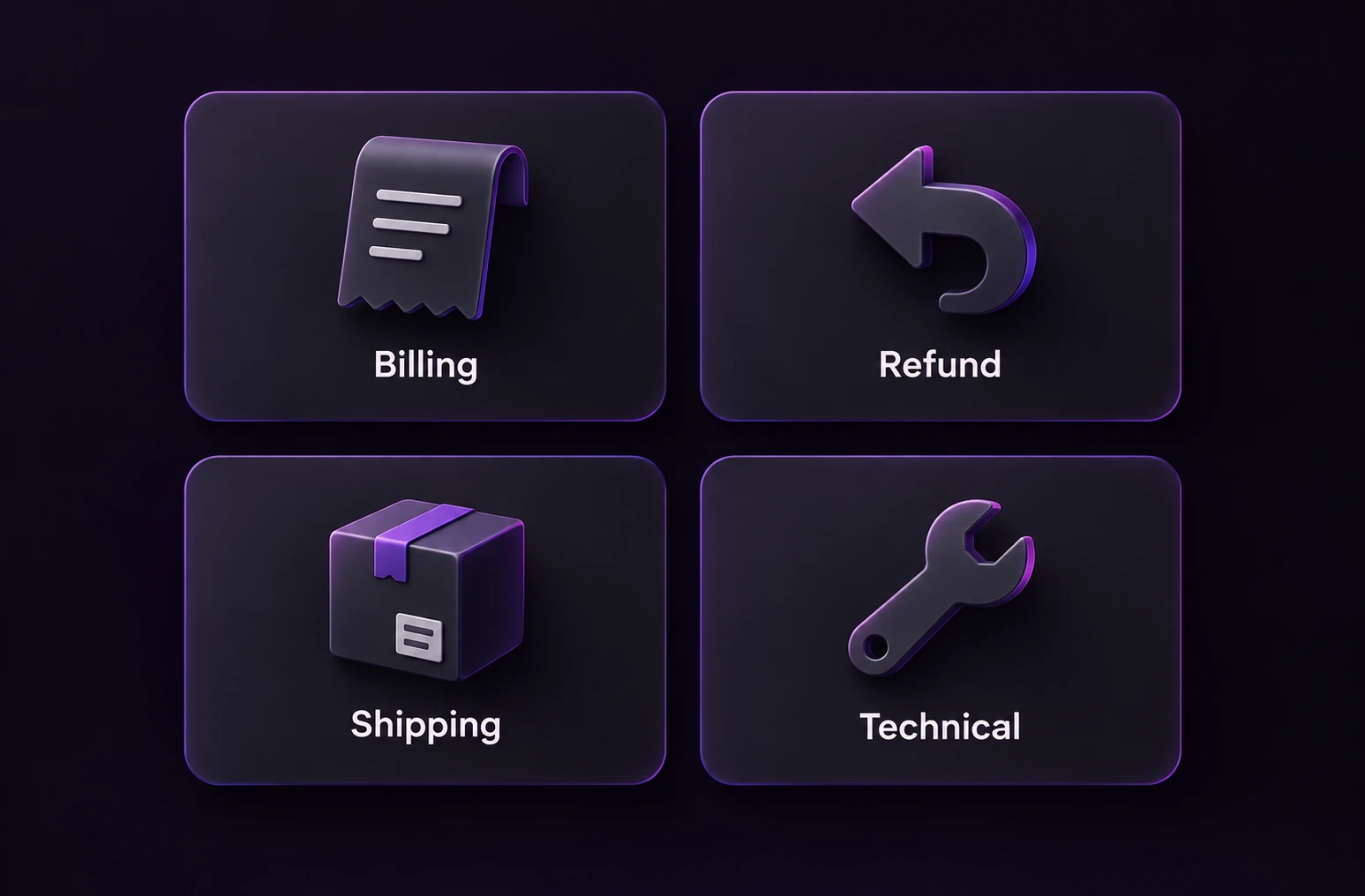
Describe when each allowed label applies. Add an unknown or review option for inputs that do not fit the ordinary routes.
Check the response, calibrate a review policy on labeled examples, and measure the downstream outcome before enabling automatic actions.
The Choice workflow on this site returns a selected label, a probability distribution and a confidence score. It does not write a support reply or generate the open-ended answer to a routed request.
No. TypeSafe documents confidence as the concentration of the answer distribution. A confident decision can still be wrong. Evaluate labeled examples and set your review policy using actual outcomes.
The model input documented here is text. The Playground can parse supported text-based tables in the browser and send rows for classification. Parsing, JSON conversion and result aggregation are application work; this does not provide native image or spreadsheet understanding.
It is convenient for trying the API, but the alias may change. Keep the resolved model identifier from each response along with your dataset and settings so results remain attributable.
Try the Playground, then use the support-routing recipe for a server-side example. Keep the provider key off the browser and treat the returned route as a recommendation until your application has checked its own rules.
Bring a representative input, define the valid labels, and compare the result with the route you expect.