Jev use cases

Find the next decision in your workflow.

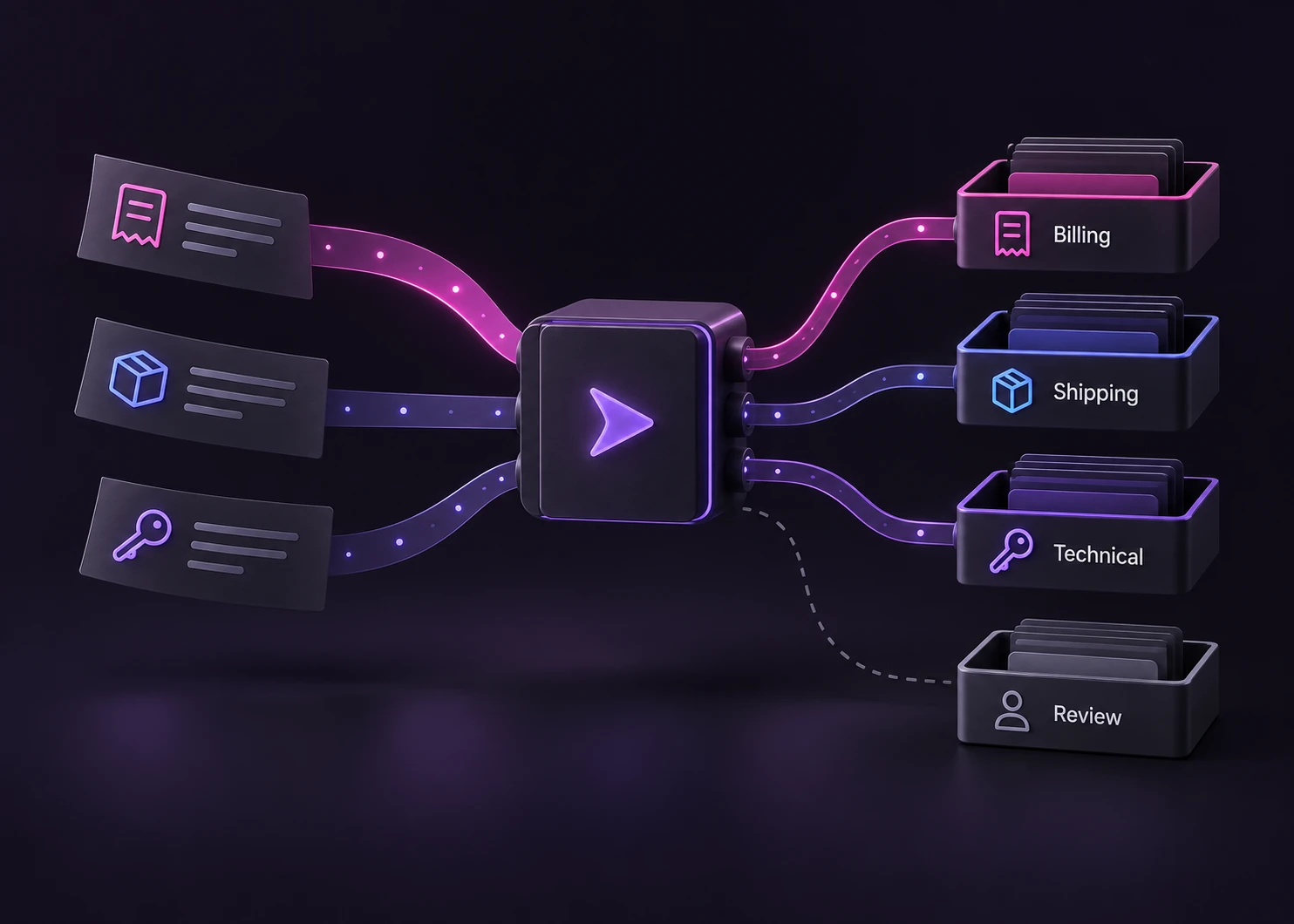
Route a request, select a tool, assign a support message or review text against a written policy. Start with a finite choice and a clear path for uncertain cases.

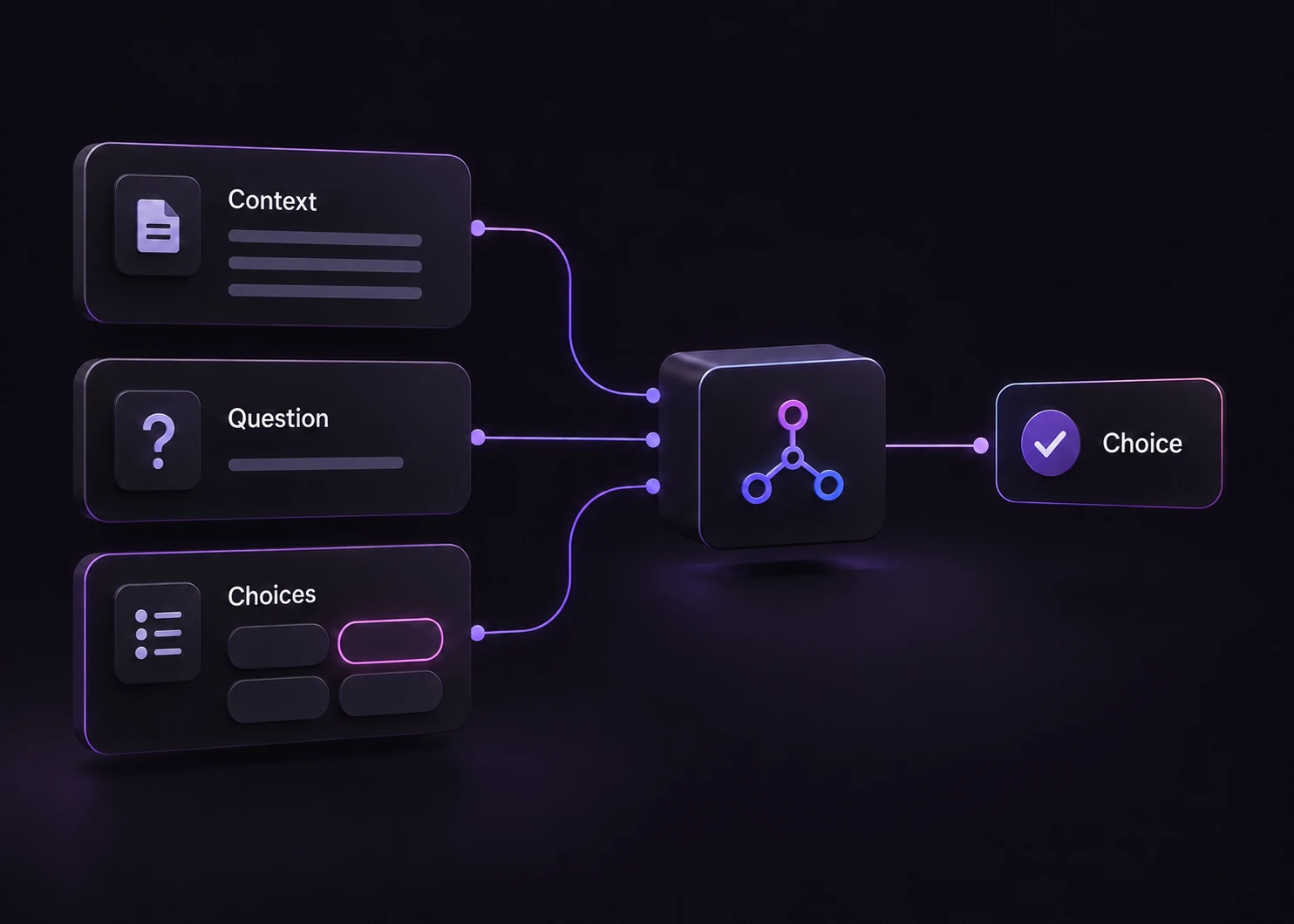
Illustration of context, one question, and a finite choice list feeding a decision model that returns a choice.
Conceptual illustration of the input contract. These are workflow patterns, not benchmark results.
Choose a task

Workflows and editable examples.

Five workflow guides explain the decision and its limits. The examples library lets you edit the inputs before requesting a result.

Before you build

Start where the possible outcomes are known.

The application defines the choices and decides how to use a result. A clearer score cannot replace missing context or permission to act.

A bounded task

Useful decision points

  • Choose a handler

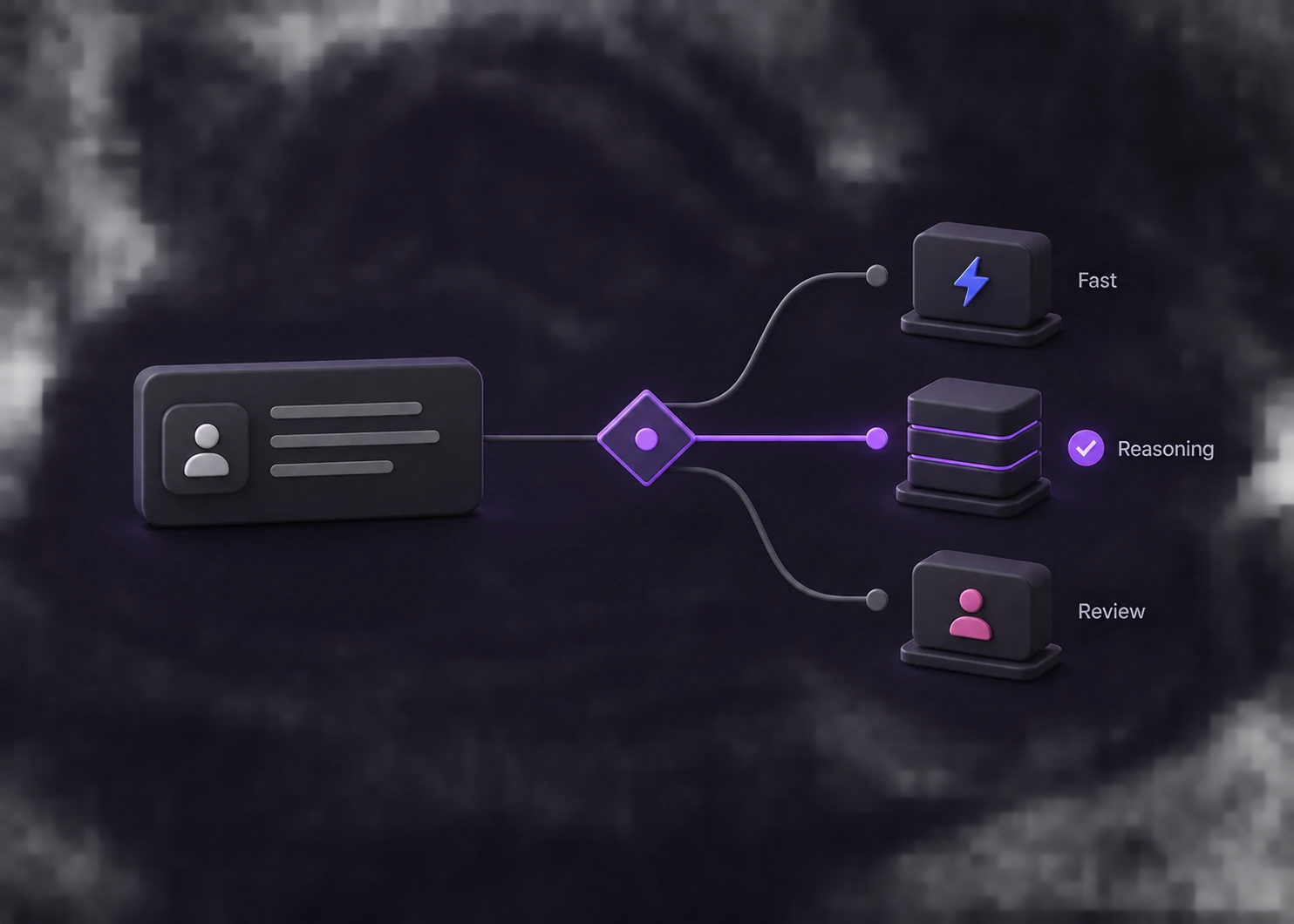
    Select from model tiers, support queues, or available tools with descriptions that distinguish their jobs.

  • Test an explicit policy

    Provide the relevant context and compare the result with a label your team can independently review.

  • Keep a fallback available

    Include no match or review when appropriate, then validate routing rules before connecting a downstream action.

More than a choice

Tasks that need a different workflow

  • Writing the final response

    An open-ended explanation or reply needs a generation step. Selecting a route does not produce that reply.

  • Acting without authority

    A model result cannot grant access, issue a refund, or authorize an irreversible change. Those checks belong to your system.

Workflow questions

Choose a use case with a clear boundary.

Which workflow should I start with?

Start with a decision you already make manually: selecting a model or tool, assigning a support owner, applying a conduct rule, or triaging relevance and promotion. Choose one policy at a time and include a review path where context is insufficient.

Do these pages connect to my tools, support desk or forum?

No. They explain the design and load editable classification examples. The Playground returns decisions; it does not run your tools, assign real tickets, remove posts or ban accounts. Integration requires application code and permission checks.

Can I change the example inputs?

Yes. Open an example, edit the context, question, or choices, and run it through the protected API. Results are obtained when you submit, rather than stored on these pages.

Does a high score prove the decision is correct?

No. Review errors on representative data, choose thresholds for the consequences of each action, and provide a review path. These workflow pages do not report benchmark accuracy or guaranteed savings.

Try one decision before connecting the workflow.

Use an editable example to understand the input and output, then read the matching implementation guide.