Route a voicemail transcript for the right human review
Read a completed transcript with verified customer context to distinguish stop-contact, callback and team-handoff review. Preserve uncertain identity and non-business messages without making calls or changing records.
Choose a review queue for a voicemail transcriptLive API
The decision
What does Jev voicemail intent routing decide?
Jev selects one of five review labels from the transcript and metadata you provide. The policy gives an explicit stop-contact request priority over a callback request. It requires a verified customer match before recommending a handoff to a named colleague. An incomplete transcript or an unsupported identity claim goes to Needs review.
This lets a developer test the decision between transcription and an operational queue. Use the editable window first, then compare the examples below. A name spoken in a message is evidence of what was said, not proof that the caller owns an account. The demo's verified-customer field is synthetic input; Jev does not look up or authenticate customers.
Twilio documents recording and optional transcription as separate parts of a voicemail workflow. Its transcription callback reports whether conversion completed or failed. In an application, wait for usable transcript data before asking a classifier to interpret the message. A recording notification alone should not be treated as a successful transcription.
The X post inspired these review categories. We wrote six independent synthetic messages and a narrower policy so the decision can be reproduced without a phone system. We do not adopt the author's accuracy claim, update a do-not-contact list, schedule callbacks, block a number or notify a teammate.
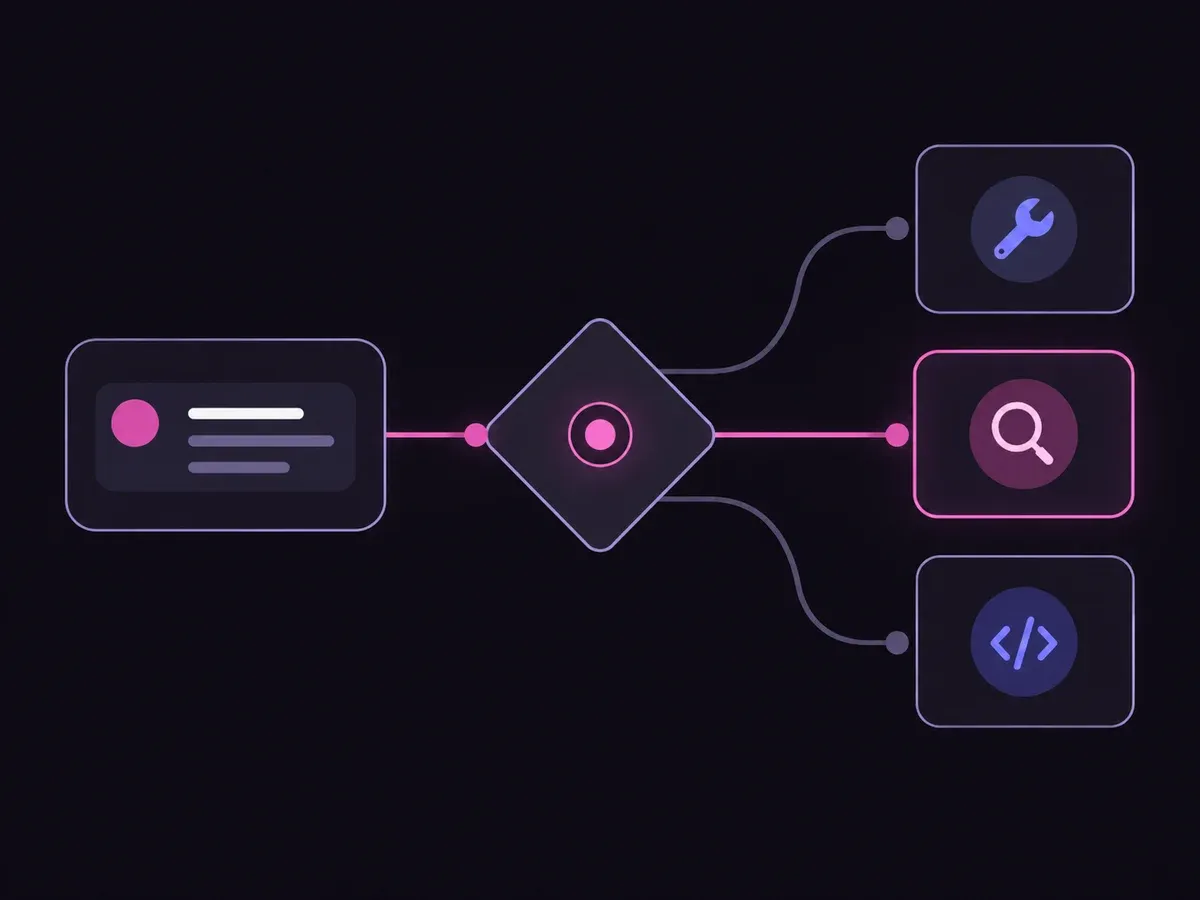
Illustration of the decision flow.
How it works
Review a voicemail in four steps.
Keep transcript readiness, identity evidence and actions separate.
01
Check the transcript
Supply completed text or an explicit failure status. Do not invent words missing from an unclear recording.
02
Define the review policy
List the queue labels and their precedence. Include what to do when a request names a teammate but customer identity is unverified.
03
Inspect the returned choice
Compare the leading option and its alternatives. Change the text or supplied evidence to test the boundary.
04
Let the workflow owner act
Preserve the message ID and transcript. An authorized person or separate application decides whether any contact or account action is allowed.
Our API test
Six transcript checks, with uncertainty preserved.
Six transcript checks, with uncertainty preserved.
Synthetic voicemail
Observed label
Leading probability
Stop-contact request
Stop-contact review
100%
Business callback
Callback review
97%
Known-customer handoff
Team handoff
95%
Wrong number
Non-business
100%
Missing transcript
Needs review
100%
Unverified caller
Needs review
100%
Six live Jev requests on September 28, 2026. These functional checks do not measure production accuracy or speech recognition. Fresh distributions may differ.Verified
Understand the results
Use a stable message ID when adding a classification to an inbox
Use a stable message ID when adding a classification to an inbox.
Read the example notes
Stop-contact review should draw attention to the explicit request and prevent a routine callback recommendation from hiding it. The demo label does not itself update a suppression list or decide any legal obligation. Those actions belong to the established contact-management workflow.
Callback review is a queue recommendation, not an appointment
Callback review is a queue recommendation, not an appointment.
Read the example notes
No callback time or time zone is extracted here. Team handoff likewise identifies a review path only when the supplied metadata includes a verified customer match. In a real application, obtain that metadata from your trusted system rather than a caller's assertion or editable public input.
Non-business means the message clearly falls outside this example business inbox
Non-business means the message clearly falls outside this example business inbox.
Read the example notes
Retain the original message for any required review rather than deleting or blocking it based on the label. Needs review means the evidence is insufficient for a more specific queue. Re-transcription, an account lookup or clarification can change the evidence available for the next decision.
Using the result in your application
Download observed-voicemail.json and run-choice-sample.mjs into a private Node.js project.
Read the example notes
The setup used for these examples is Node.js 24.18.0 with @typesafe-ai/sdk 0.6.0. Run npm init -y and npm install @typesafe-ai/sdk@0.6.0, set TYPESAFE_API_KEY privately, then run node run-choice-sample.mjs observed-voicemail.json unknown. The runner sends one selected request with no retries.
The download preserves the exact inputs, policy, choices and recorded distributions
The download preserves the exact inputs, policy, choices and recorded distributions.
Read the example notes
A new request can return different probabilities. Six synthetic checks are not a production accuracy measurement or a speech-recognition evaluation. Test your own reviewed transcripts and error cases before connecting a decision to any real queue.
import { readFile } from 'node:fs/promises';
import { choice, TypeSafeClient } from '@typesafe-ai/sdk';

// Run one selected sample. There are no retries or automatic batch requests.
const [file, sampleId] = process.argv.slice(2);
if (!file || !sampleId || !process.env.TYPESAFE_API_KEY) {
  throw new Error('Set TYPESAFE_API_KEY, then run: node run-choice-sample.mjs FIXTURE.json SAMPLE_ID');
}
const raw = await readFile(file, 'utf8');
if (Buffer.byteLength(raw) > 1_000_000) throw new Error('Fixture is too large');
/** @type {{samples: Array<{id: string, request: {context: string, question: string, choices: string[]}}>}} */
const fixture = JSON.parse(raw);
const matches = fixture.samples.filter(sample => sample.id === sampleId);
if (matches.length !== 1) throw new Error('Select exactly one existing sample ID');
const { context, question, choices } = matches[0].request;
if (typeof context !== 'string' || typeof question !== 'string' || context.length > 12000
  || question.length > 500 || !Array.isArray(choices) || choices.length < 2 || choices.length > 12
  || choices.some(label => typeof label !== 'string' || !label || label.length > 120)
  || new Set(choices).size !== choices.length) throw new Error('Invalid sample request');
const client = new TypeSafeClient({ logLevel: 'off' });
const start = performance.now();
try {
  const result = await client.systemOne({ model: 'jev-latest', state: { context, question, choices },
    questions: { decision: choice(question, Object.fromEntries(choices.map(label => [label, null]))) } },
    { timeout: 10000, retry: { maxRetries: 0 } });
  console.log(JSON.stringify({ sampleId, elapsedMs: Math.round(performance.now() - start), result }, null, 2));
} catch {
  console.error('The API request failed. No retry was sent; check your account and network privately.');
  process.exitCode = 1;
}
Scope of this demo
What this example helps you test.
Supplied choices
What you can test
Testing stop-contact precedence in a supplied-text policy
Comparing verified and unverified caller metadata
Keeping missing transcripts in a review queue
Application responsibilities
What this demo does not do
Transcribing recordings or identifying voices
Authenticating callers or retrieving account records
Calling, scheduling, blocking or updating contact preferences
Example FAQ
Questions before you use the result.
Understand the choices, the source and what a live result means.
Can I upload a voicemail recording here?
This example takes text only. Use a separate transcription service for audio, then review the resulting text and its status before classification.
Does Stop-contact review automatically block a caller?
No. It marks an explicit request for the appropriate review workflow. No contact preference, suppression list or phone setting changes.
Why does naming Jordan sometimes return Needs review?
The example policy requires a named teammate and a verified customer match. A caller saying they are a customer does not supply that verification.
What happens when transcription fails?
The failure example has no reliable request to classify, so the policy directs it to Needs review. Do not treat missing text as evidence of a harmless or non-business call.
Does Callback review schedule a time?
No. It identifies an explicit business callback request. This page does not parse dates, resolve time zones or write to a calendar.
Can I test my own review policy?
Yes. Edit both the criteria and the supplied transcript in the hero window. Use synthetic or appropriately redacted text, and keep real authentication and action permissions in your application.
Test the boundary with your own transcript.
Start with a clear message, then remove the identity evidence or change the request. Compare the live labels before designing any downstream action.