Source and example scope
Compare each saved result with its authored expectation. A disagreement remains in the fixture review; the call is not repeated to obtain a preferred label.
Read the message to distinguish stopping all contact from stopping one named topic. Preserve ambiguous scope and messages with no stop request before applying changes in a separate contact system.
A person can decline one meeting while asking for follow-up notes. The classifier follows the explicit communication request rather than turning a negative reply into a permanent stop instruction.
Topic stop preserves a narrower scope, such as promotional messages, while All contact stop reflects an explicit broad request. The quoted-example fixture keeps a reproduced sentence separate from the speaker’s own request.
The source describes an inbox workflow with stop-contact judgments. This example does not adopt its thresholds or make a legal consent determination. It returns a pending text label and changes no contact list.
This is an original synthetic demonstration adapted from the cited workflow discussion. It does not reproduce the source application or verify its performance, adoption or security claims.
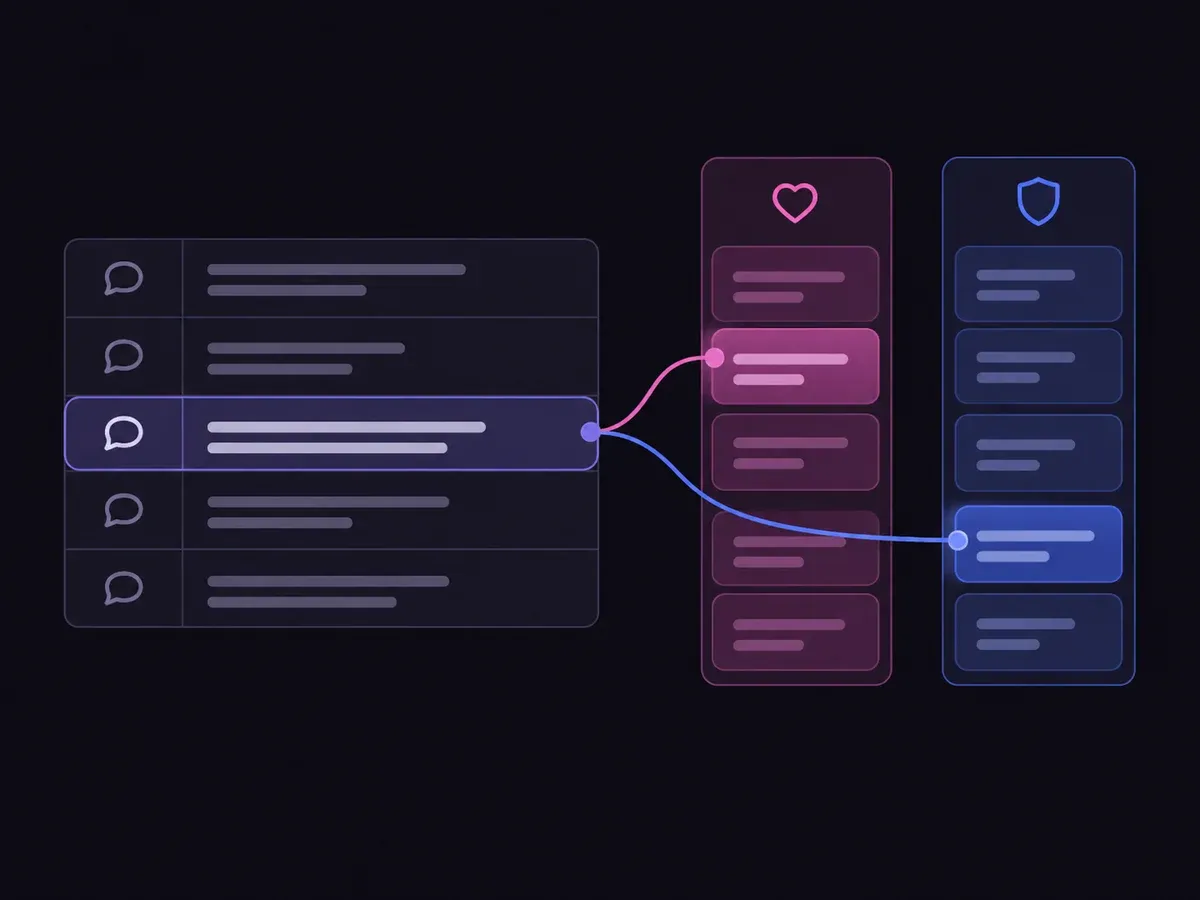
Use the sample to understand the rule, then test your own input for unsubscribe request scope.

Read the message to distinguish stopping all contact from stopping one named topic.

Open the decision rules and keep the intended distinction between All contact stop, Topic stop, No stop request, Unclear scope, Need evidence. Edit the choices only when testing your own rule.

Use a sample first, then try your own input. Compare the selected label with the other returned probabilities.

Review Unclear scope, Need evidence before using a result. The label is a decision about the supplied information, not an executed action.
| Original input | Observed label | Leading probability |
|---|---|---|
| All messages | All contact stop | 100% |
| Promotion only | Topic stop | 100% |
| Meeting declined | No stop request | 100% |
| Vague stop | Unclear scope | 93.0% |
| Quoted request | No stop request | 77.0% |
| Message absent | Need evidence | 100% |
These are six original synthetic inputs, tested once per request revision. The percentage is the leading option probability, not measured accuracy. Authored expectations and any disagreements remain in the downloadable evidence. 6 of 6 results matched the authored fixture expectations.Verified
Compare each saved result with its authored expectation. A disagreement remains in the fixture review; the call is not repeated to obtain a preferred label.
The single-request SDK runner uses your private TYPESAFE_API_KEY. The offline consumer reads saved observations, checks request hashes and prints a pending output. It does not call the model or change any external system.
npm install @typesafe-ai/sdk@0.6.0
# Set TYPESAFE_API_KEY privately in your shell.
node run-choice-sample.mjs samples.json case-1
python preview_choice_workflow.py samples.json saved-api-results.jsonThe rubric explains the decision; the application owns the next step.
No. It describes the requested stop scope. Existing permissions, user preferences and applicable communication policy still govern any future contact.
A stop sentence quoted for discussion is not necessarily the speaker’s own request. The supplied context explicitly distinguishes those meanings.
No. It is the model distribution for this one request. The six examples are functional checks with authored expectations, not a representative benchmark. Inspect disagreements and evaluate your own examples before using the label.
The window shows an error and supplies no fresh judgment. The downloadable runner sends one request without retries. Need evidence is a valid outcome about incomplete input; it does not stand in for a network or provider failure.
Edit the evidence above or use the Playground to test another bounded question.