Jev success message operation

Check whether success feedback names the completed operation

Inspect the message's role, text and heading. Distinguish a named completed operation from generic success or text that is not success feedback, without verifying that the operation happened.

Is the reported operation named here?Live API
Try an example

The text names the reported operation.

Source: API-collected workflow inspiration; original demonstration below

Source and example scope

The API-collected roundup links the cited project. Its pinned source defines the decision adapted here. These synthetic inputs and explicit missing-context outcomes are original to this demonstration. The window returns a label; it does not run the linked application, execute its downstream actions or verify its performance claims.

Inspect message role, text and supplied heading.

Decision rules and labels
Operation namedGeneric successNot success feedbackNeed role context
A real response from the Jev API

Edit any input to explore a different decision. No request is sent until you run it.

Your next decision

Not run yet

Choose an example or write your own input, then run it to see the ranked choices.

Results are not stored by this site. Your submitted text is processed by the API provider.

The decision

A useful heading can make a short success message specific.

The password preset names the operation in its heading even though the body only says Success. The standalone toast has no such context, so it remains Generic success. The rule reads the supplied message region together.

Done can also be a button label, and Success can appear inside a writing guide. Those roles are outside this feedback check. The isolated-word preset stays unresolved instead of assigning a notification role from the word alone.

The linked rule is review-only and asks whether success copy identifies the completed operation. This original demonstration reviews that wording. It does not verify that a save occurred or change the application’s success state.

The API-collected roundup links the cited project. Its pinned source defines the decision adapted here. These synthetic inputs and explicit missing-context outcomes are original to this demonstration. The window returns a label; it does not run the linked application, execute its downstream actions or verify its performance claims.

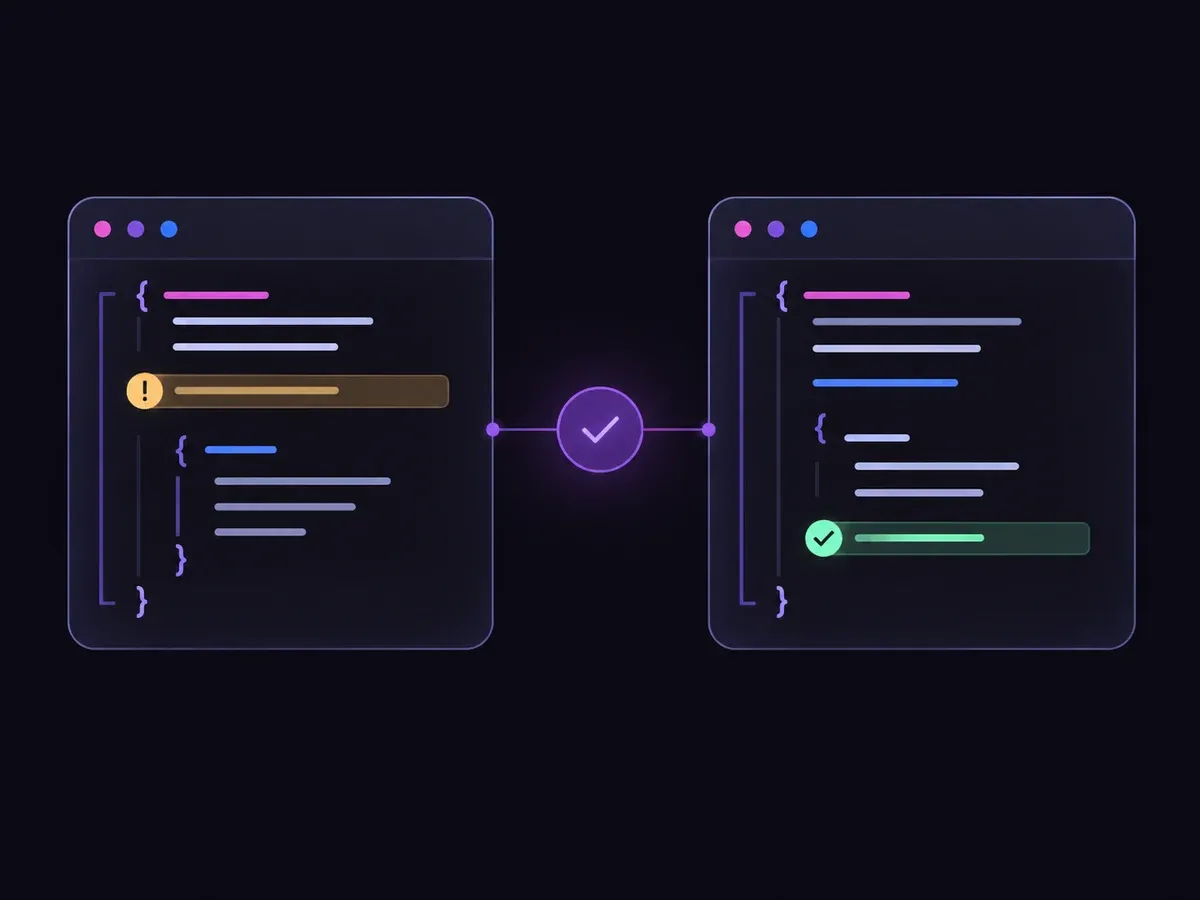
Illustration of checking a code change and reviewing a flagged line
Illustration of the decision flow.
How it works

Try the example in four steps

Use the sample to understand the rule, then test your own input for success message clarity.

  1. Illustration of adding the text or evidence for a decision

    Add the information to check

    Inspect the message's role, text and heading.

  2. Illustration of defining a question and its allowed choices

    Confirm the question and labels

    Open the decision rules and keep the intended distinction between Operation named, Generic success, Not success feedback, Need role context. Edit the choices only when testing your own rule.

  3. Illustration of sending one input and comparing the returned choices

    Run the decision

    Use a sample first, then try your own input. Compare the selected label with the other returned probabilities.

  4. Illustration of reviewing a result and an uncertain item before using it

    Review the next step

    Review Need role context before using a result. The label is a decision about the supplied information, not an executed action.

Our API test

Recorded API observations

Recorded API observations
Original inputObserved labelLeading probability
Address save messageOperation named100%
Heading supplies operationOperation named97.0%
Generic standalone toastGeneric success98.0%
Done controlNot success feedback99.0%
Quoted guide exampleNot success feedback97.0%
Done without contextNeed role context74.0%

These are six original synthetic inputs, tested once per request revision. The percentage is the leading option probability, not measured accuracy. Authored expectations and any disagreements remain in the downloadable evidence. 6 of 6 results matched the authored fixture expectations.Verified

Understand the results

Replay the saved synthetic requests to inspect each recorded decision

Replay the saved synthetic requests to inspect each recorded decision. Authored expectations and model disagreements remain available; these examples are not a production accuracy benchmark.

Using the result in your application

The single-request SDK runner uses your private TYPESAFE_API_KEY. The offline consumer reads saved observations, checks request hashes and prints a pending output. It does not call the model or change any external system.

Runnable offline example

Run one sample, then inspect the local packet

View the code example
Single-request replay
npm install @typesafe-ai/sdk@0.6.0
# Set TYPESAFE_API_KEY privately in your shell.
node run-choice-sample.mjs samples.json case-1
python preview_choice_workflow.py samples.json saved-api-results.json
Scope of this demo

Where this decision fits

Useful scope

  • Reviewing concise success notifications
  • Using heading context without duplicating wording
  • Keeping control labels out of feedback warnings

Outside this demonstration

  • Verifying a backend operation succeeded
  • Inferring message role from one word
  • Changing application state
Example FAQ

Questions about success message operation.

Input scope and downstream handling determine what this judgment means.

Must the operation appear in both heading and body?

No. A supplied heading can identify it for a short message body.

Does Operation named mean the operation succeeded?

No. It means the feedback names the operation it reports. Actual success needs separate evidence.

Is the leading probability an accuracy measurement?

No. It is one value in the returned distribution over this request’s choices. The six synthetic fixtures have authored expectations; they do not measure production accuracy.

What happens on an API failure?

The window displays an error without a fresh judgment. An incomplete-input outcome describes the supplied evidence and is not used as a fallback for provider failure.

Try your own success message operation input

Edit the input above, or open the Playground to explore another decision.

