Shot transition matching: six recorded examples
The downloads contain six original inputs, their expected labels and one recorded API observation per input revision. Disagreements stay visible.
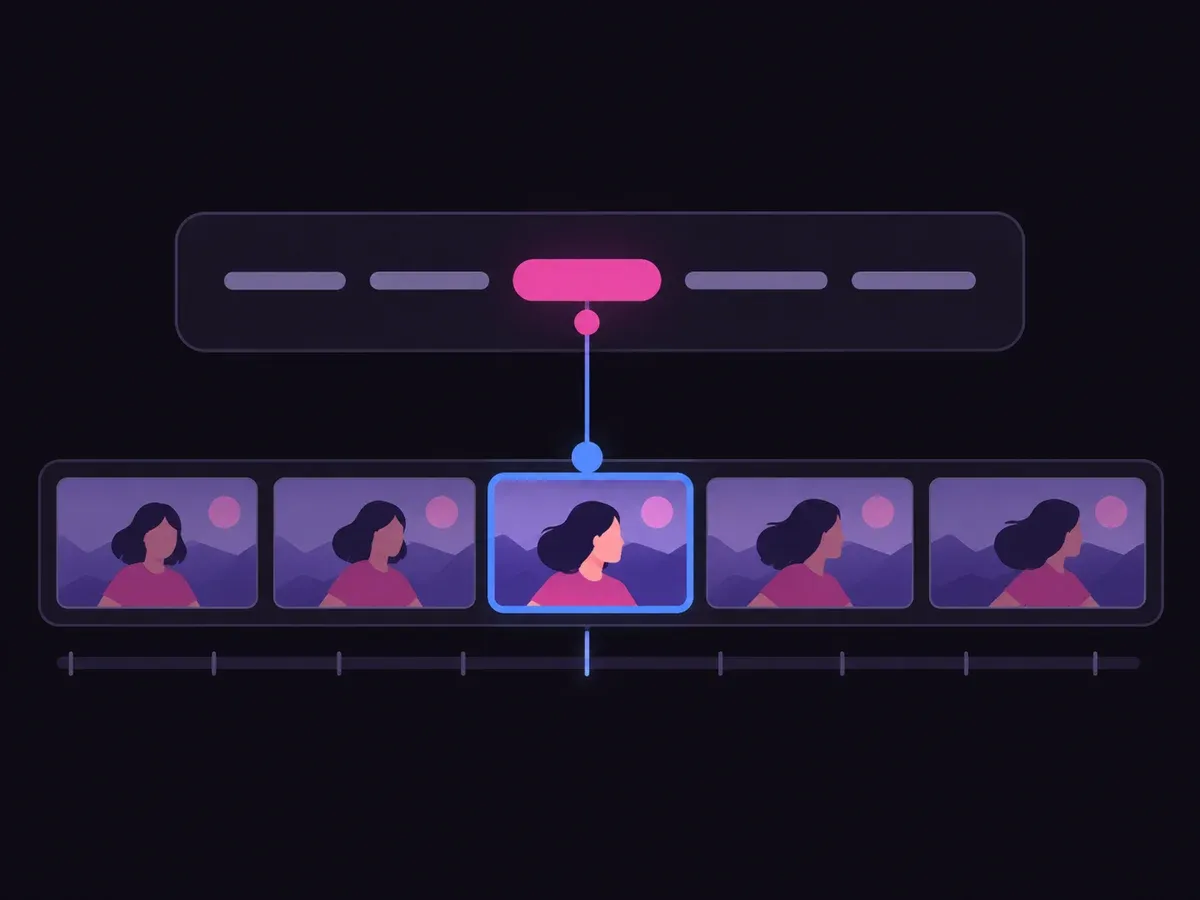
Compare the previous and current spoken shots to select plain, wipe, flash or glitch under supplied editing rules. Missing neighboring context stays unresolved; the example does not edit video.
A transition is a relationship between neighboring shots. The same sentence can continue one sequence or reveal something surprising after a different setup. Both lines therefore belong in the input.
The options are a simplified editorial policy inspired by the linked editor. No effect is applied here, and the classifier does not inspect motion, exposure or accessibility needs in the actual footage.
This independently authored text exercise adapts an edit decision defined in the linked Jev Shorts Editor repository. Its synthetic shots, simplified rules and missing-input outcomes are original to this page. It does not reproduce a rendered edit, inspect video, or verify the repository’s timing and cost claims.
Use the sample to understand the rule, then test your own input for shot transition matching.

Compare the previous and current spoken shots to select plain, wipe, flash or glitch under supplied editing rules.

Open the decision rules and keep the intended distinction between Plain, Wipe, Flash, Glitch, Unclear. Edit the choices only when testing your own rule.

Use a sample first, then try your own input. Compare the selected label with the other returned probabilities.

Review Unclear before using a result. The label is a decision about the supplied information, not an executed action.
| Original input | Observed label | Leading probability |
|---|---|---|
| Continue a walkthrough | Plain | 100% |
| Move to pricing | Wipe | 74.0% |
| Unexpected reveal | Flash | 73.0% |
| Digital break | Glitch | 98.0% |
| A word is not a cue | Plain | 100% |
| Missing earlier shot | Unclear | 93.0% |
These are six original synthetic inputs, tested once per request revision. The percentage is the leading option probability, not measured accuracy. Authored expectations and any disagreements remain in the downloadable evidence. 6 of 6 results matched the authored fixture expectations.Verified
The downloads contain six original inputs, their expected labels and one recorded API observation per input revision. Disagreements stay visible.
The single-request SDK runner uses your private TYPESAFE_API_KEY. The offline consumer reads saved observations, checks request hashes and prints a pending output. It does not call the model or change any external system.
# Offline: inspect the downloaded saved observations. No API key is needed.
python preview_choice_workflow.py samples.json saved-api-results.json

# Optional live request: install the SDK and set TYPESAFE_API_KEY privately.
npm install @typesafe-ai/sdk@0.6.0
node run-choice-sample.mjs samples.json case-1
# The live response prints to the terminal; it does not update saved-api-results.json.The input contract and these limits define what the result means.
A cut can only be interpreted relative to what came before. Without that context the example returns Unclear instead of inventing a relationship.
No. Check the footage and viewer needs first. A plain cut can remain preferable even when a more expressive option has the highest probability.
It describes the distribution over the supplied choices for this request. These six synthetic examples are functional tests with authored expectations, not a production accuracy benchmark.
No. The demo displays a label and distribution. The downloadable consumer produces a pending preview packet. Application code and a separate authorization policy would control any real action.
Edit the example above to see how a changed fact affects the decision, or open the Playground for another task.