Release blocker review: six recorded examples
The downloads contain six original inputs, their expected labels and one recorded API observation per input revision. Disagreements stay visible.
Compare each original requirement with shipped features and the customer's plan or region. Separate fully cleared, partly cleared and unchanged blockers without counting roadmap promises as availability.
A useful reactivation review starts with the original reason a deal stopped. Broad release language such as improved administration does not show that a particular missing capability, region or plan constraint has been resolved.
This page makes a narrow product-evidence comparison. Contact eligibility, opt-outs, existing opportunities and follow-up timing are separate checks. Even Cleared creates no permission to send a message or reopen a deal.
This original text demonstration adapts a decision in a repository linked by the cited X post. The examples and explicit uncertainty outcomes are ours. The post is a directory reference, not proof that its author built every linked project. No third-party benchmark, business outcome or external action is reproduced.
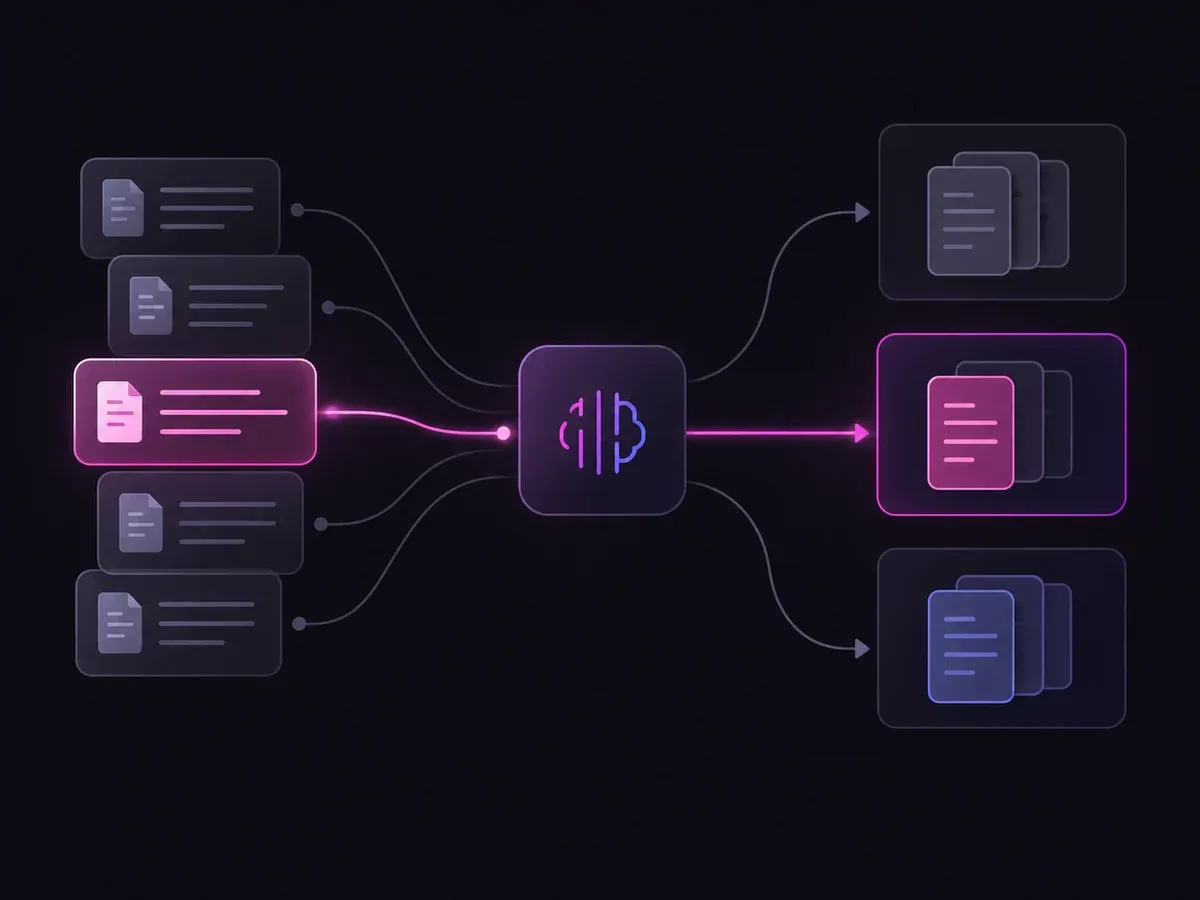
Use the sample to understand the rule, then test your own input for release blocker review.

Compare each original requirement with shipped features and the customer's plan or region.

Open the decision rules and keep the intended distinction between Cleared, Partial, Unchanged, Unclear. Edit the choices only when testing your own rule.

Use a sample first, then try your own input. Compare the selected label with the other returned probabilities.

Review Unclear before using a result. The label is a decision about the supplied information, not an executed action.
| Original input | Observed label | Leading probability |
|---|---|---|
| Required export shipped | Cleared | 100% |
| Only one requirement | Partial | 100% |
| Roadmap announcement | Unchanged | 98.0% |
| Wrong plan | Unchanged | 99.0% |
| Withdrawn feature | Unchanged | 98.0% |
| No original requirement | Unclear | 89.0% |
These are six original synthetic inputs, tested once per request revision. The percentage is the leading option probability, not measured accuracy. Authored expectations and any disagreements remain in the downloadable evidence. 6 of 6 results matched the authored fixture expectations.Verified
The downloads contain six original inputs, their expected labels and one recorded API observation per input revision. Disagreements stay visible.
The single-request SDK runner uses your private TYPESAFE_API_KEY. The offline consumer reads saved observations, checks request hashes and prints a pending output. It does not call the model or change any external system.
# Offline: inspect the downloaded saved observations. No API key is needed.
python preview_choice_workflow.py samples.json saved-api-results.json

# Optional live request: install the SDK and set TYPESAFE_API_KEY privately.
npm install @typesafe-ai/sdk@0.6.0
node run-choice-sample.mjs samples.json case-1
# The live response prints to the terminal; it does not update saved-api-results.json.The input contract and these limits define what the result means.
Only if the supplied evidence establishes that the required capability is actually available to this customer under the stated requirement. A waiting list or announcement alone does not satisfy that condition.
A person can inspect the evidence and run the separate eligibility checks. The demo itself does not contact the customer or update an opportunity.
It describes the distribution over the supplied choices for this request. These six synthetic examples are functional tests with authored expectations, not a production accuracy benchmark.
No. The demo displays a label and distribution. The downloadable consumer produces a pending preview packet. Application code and a separate authorization policy would control any real action.
Edit the example above to see how a changed fact affects the decision, or open the Playground for another task.