RAG context sufficiency: six recorded examples
The downloads contain six original inputs, their expected labels and one recorded API observation per input revision. Disagreements stay visible.
Provide the question, required facts and retrieved passages. Check whether all needed facts are present, missing or conflicting before generation, without treating topical relevance as enough to answer.
This task reads one fixed evidence set. It can find that two incomplete passages jointly answer a question, or that several related passages still omit the action the user needs. A passage relevance label alone does not settle that question.
If another model first filters passages, application code must finish that step before sending the selected set here. Questions within one Jev request do not read one another's answers. Supported is a proposed evidence judgment, not a generated answer or a promise that retrieval found every relevant document.
This is an independently authored text demonstration inspired by the linked X discussion. Its rules and synthetic inputs are ours. It does not reproduce the author’s application, verify reported outcomes, or perform an external action.
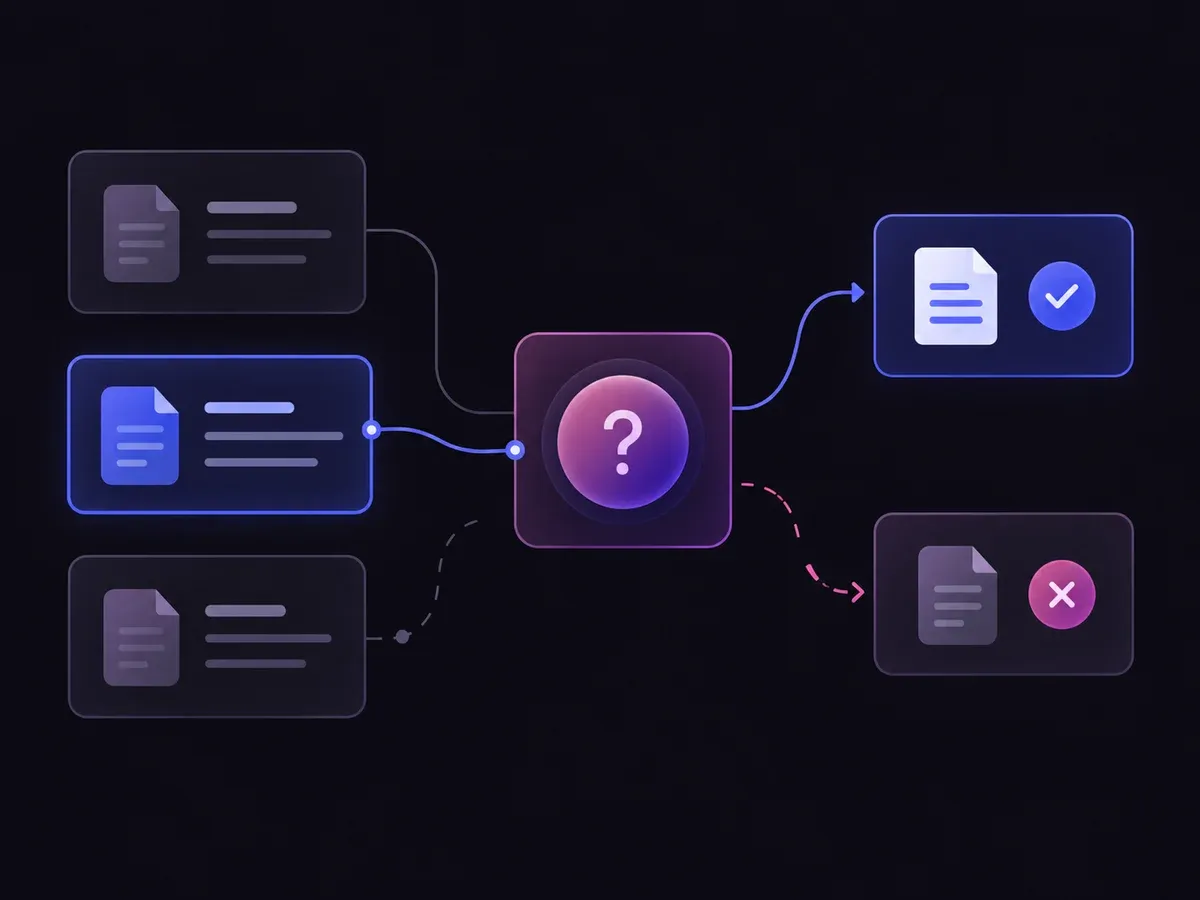
Use the sample to understand the rule, then test your own input for rag context sufficiency.

Provide the question, required facts and retrieved passages.
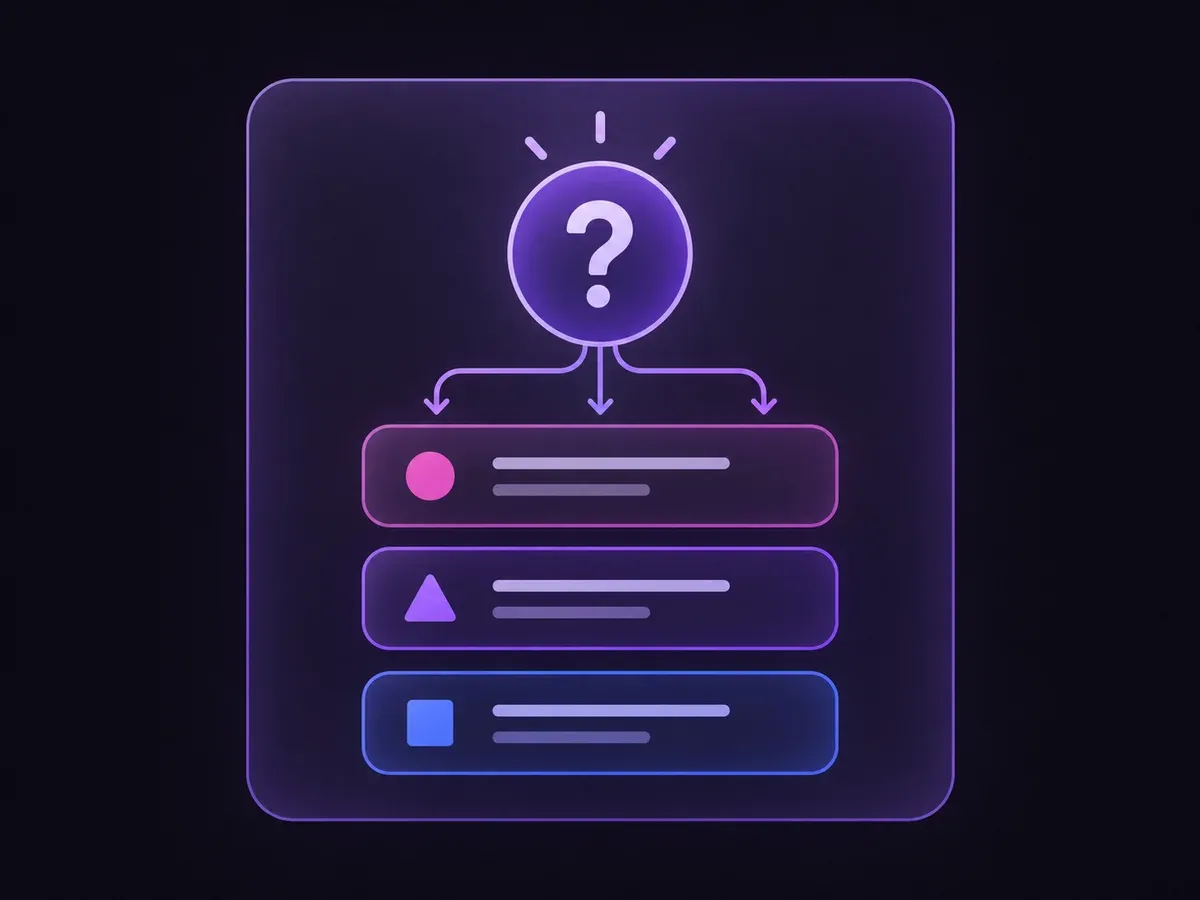
Open the decision rules and keep the intended distinction between Supported, Missing, Conflict, Needquery. Edit the choices only when testing your own rule.
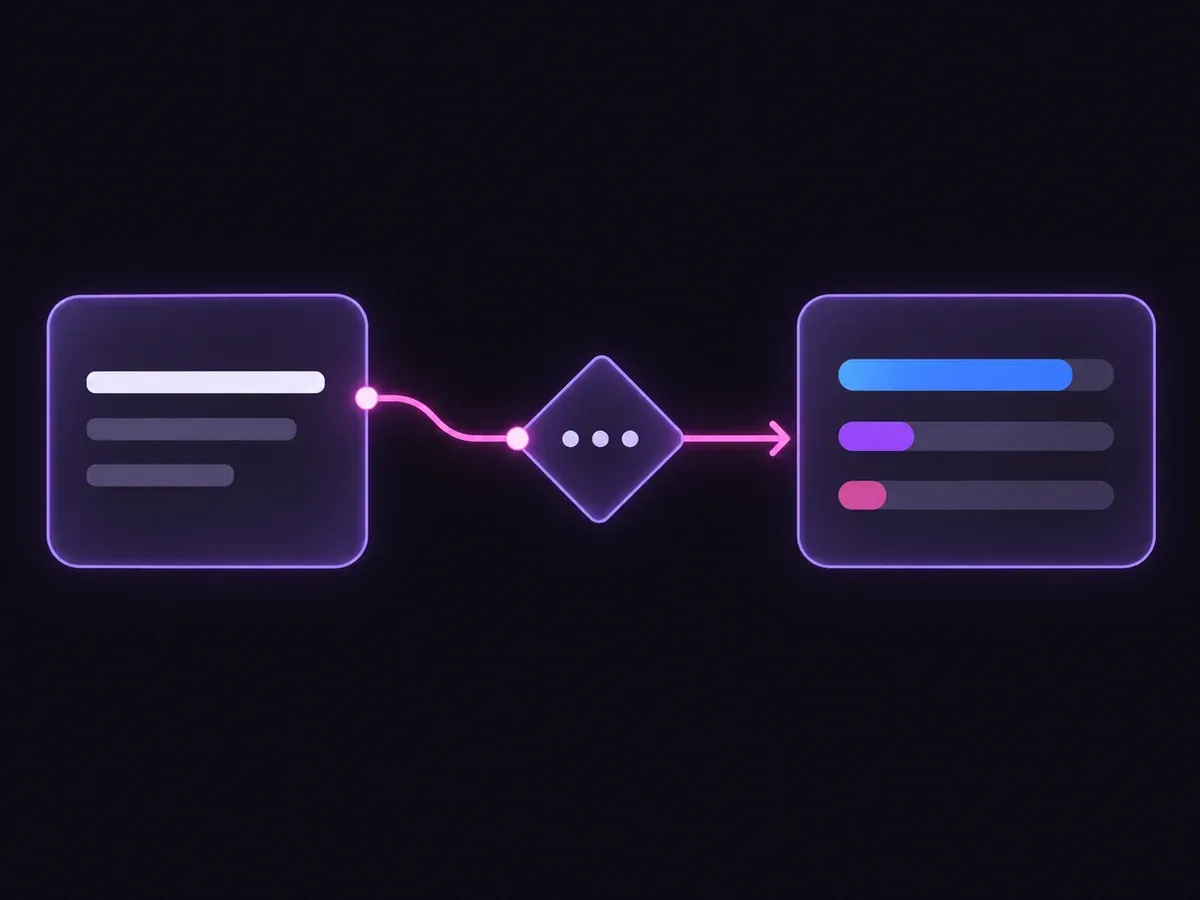
Use a sample first, then try your own input. Compare the selected label with the other returned probabilities.

Review Missing, Needquery before using a result. The label is a decision about the supplied information, not an executed action.
| Original input | Observed label | Leading probability |
|---|---|---|
| Two complementary passages | Supported | 100% |
| Related but incomplete | Missing | 100% |
| Unresolved conflicting instructions | Conflict | 100% |
| Location only | Supported | 100% |
| No question | Needquery | 100% |
| An empty result | Missing | 99.0% |
These are six original synthetic inputs, tested once per request revision. The percentage is the leading option probability, not measured accuracy. Authored expectations and any disagreements remain in the downloadable evidence. 6 of 6 results matched the authored fixture expectations.Verified
The downloads contain six original inputs, their expected labels and one recorded API observation per input revision. Disagreements stay visible.
The single-request SDK runner uses your private TYPESAFE_API_KEY. The offline consumer reads saved observations, checks request hashes and prints a pending output. It does not call the model or change any external system.
# Offline: inspect the downloaded saved observations. No API key is needed.
python preview_choice_workflow.py samples.json saved-api-results.json

# Optional live request: install the SDK and set TYPESAFE_API_KEY privately.
npm install @typesafe-ai/sdk@0.6.0
node run-choice-sample.mjs samples.json case-1
# The live response prints to the terminal; it does not update saved-api-results.json.The input contract and these limits define what the result means.
No. It judges the set you provide. Ranking and per-passage filtering are separate tasks, and a set may remain incomplete after either.
This contract asks you to state what an answer needs to contain. If those facts are unspecified, Needquery asks for that context rather than guessing the scope.
It describes the distribution over the supplied choices for this request. These six synthetic examples are functional tests with authored expectations, not a production accuracy benchmark.
No. The demo displays a label and distribution. The downloadable consumer produces a pending preview packet. Application code and a separate authorization policy would control any real action.
Edit the example above to see how a changed fact affects the decision, or open the Playground for another task.