Jev pull request review depth

Choose a review depth for a pull request

Provide the change dossier and known impact. Select a skim, standard or deep review under explicit rules, keeping missing requirements and unclear cross-module effects visible.

Which review depth fits the dossier?Live API
Try an example

The dossier establishes an obvious non-behavioral edit.

Source: API-collected workflow inspiration; original demonstration below

Source and example scope

The API-collected roundup links the cited project, whose pinned code provides the decision purpose. This demonstration separately authors its Choice rubric, priorities, missing-context outcomes and synthetic inputs. It neither runs the upstream application nor verifies its performance, security or execution claims.
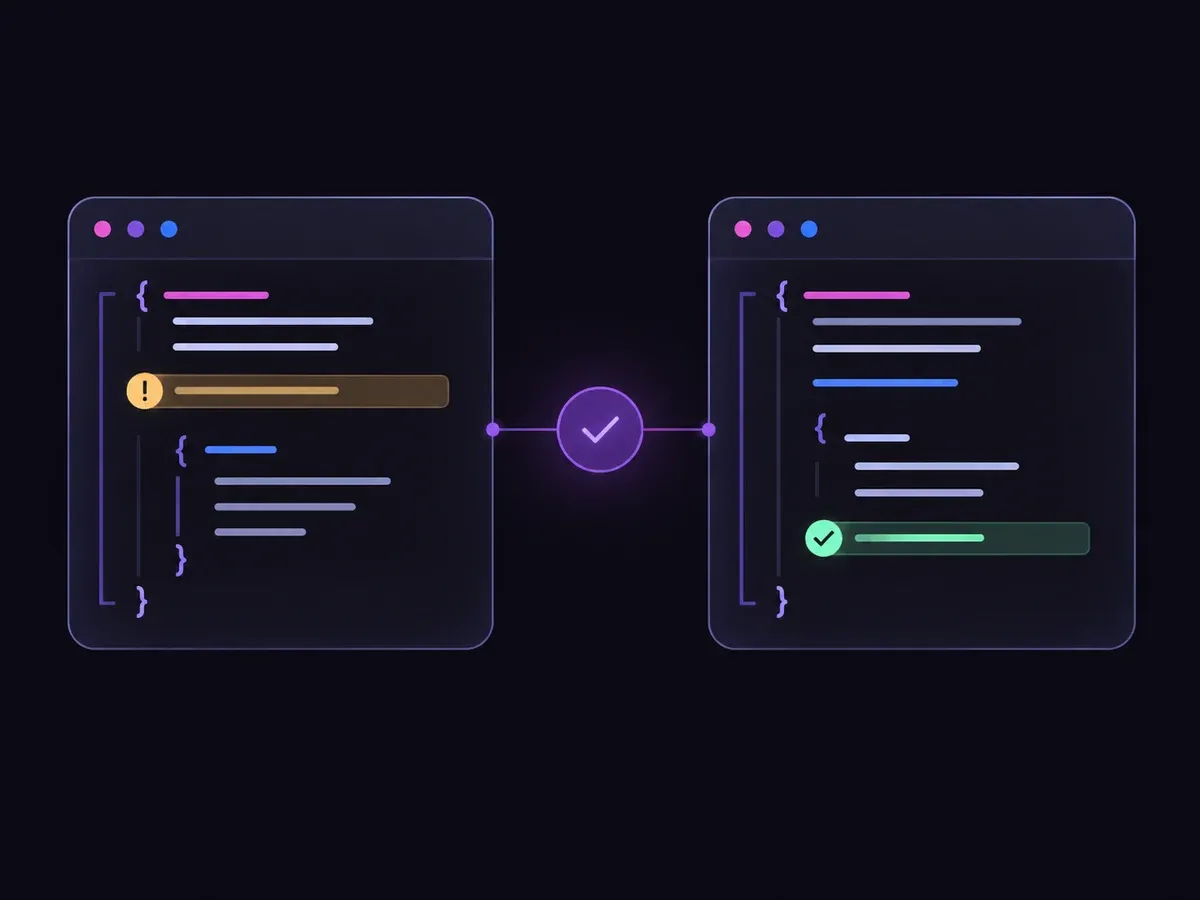

Choose review depth.

Decision rules and labels
DeepStandardSkimNeed dossier
A real response from the Jev API

Edit any input to explore a different decision. No request is sent until you run it.

Your next decision

Not run yet

Choose an example or write your own input, then run it to see the ranked choices.

Results are not stored by this site. Your submitted text is processed by the API provider.

The decision

A small diff can still change an important contract.

The password-reset preset touches one endpoint, but it changes session invalidation. Under the displayed rubric, that security-sensitive behavior merits Deep review even when the patch is short and tests are present.

The README typo has a different effect. A localized formatter change falls between those cases because a reviewer still needs to inspect the new behavior and its tests.

The result is an attention recommendation for the supplied dossier. It does not assign a reviewer, calculate a risk score, certify tests or permit a merge. Missing impact evidence should be supplied before a team relies on the label.

The API-collected roundup links the cited project, whose pinned code provides the decision purpose. This demonstration separately authors its Choice rubric, priorities, missing-context outcomes and synthetic inputs. It neither runs the upstream application nor verifies its performance, security or execution claims.

Illustration of checking a code change and reviewing a flagged line
Illustration of the decision flow.
How it works

Try the example in four steps

Use the sample to understand the rule, then test your own input for pull request review depth.

  1. Illustration of adding the text or evidence for a decision

    Add the information to check

    Provide the change dossier and known impact.

  2. Illustration of defining a question and its allowed choices

    Confirm the question and labels

    Open the decision rules and keep the intended distinction between Deep, Standard, Skim, Need dossier. Edit the choices only when testing your own rule.

  3. Illustration of sending one input and comparing the returned choices

    Run the decision

    Use a sample first, then try your own input. Compare the selected label with the other returned probabilities.

  4. Illustration of reviewing a result and an uncertain item before using it

    Review the next step

    Review Need dossier before using a result. The label is a decision about the supplied information, not an executed action.

Our API test

Recorded API observations

Recorded API observations
Original inputObserved labelLeading probability
Typo correctionSkim100%
Local formatting ruleStandard100%
Shared protocolDeep100%
Authentication branchDeep92.0%
Mixed scopeDeep99.0%
No diff descriptionNeed dossier100%

These are six original synthetic inputs, tested once per request revision. The percentage is the leading option probability, not measured accuracy. Authored expectations and any disagreements remain in the downloadable evidence. 6 of 6 results matched the authored fixture expectations.Verified

Understand the results

Replay the saved synthetic requests to inspect each recorded decision

Replay the saved synthetic requests to inspect each recorded decision. Authored expectations and model disagreements remain available; these examples are not a production accuracy benchmark.

Using the result in your application

The single-request SDK runner uses your private TYPESAFE_API_KEY. The offline consumer reads saved observations, checks request hashes and prints a pending output. It does not call the model or change any external system.

Runnable offline example

Run one sample, then inspect the local packet

View the code example
Single-request replay
npm install @typesafe-ai/sdk@0.6.0
# Set TYPESAFE_API_KEY privately in your shell.
node run-choice-sample.mjs samples.json case-1
python preview_choice_workflow.py samples.json saved-api-results.json
Scope of this demo

Where this decision fits

Useful scope

  • Planning review effort from a change summary
  • Surfacing small but sensitive changes
  • Separating non-behavioral edits from logic changes

Outside this demonstration

  • Automatically approving pull requests
  • Replacing security or architecture review
  • Estimating review time from line count
Example FAQ

Questions about pull request review depth.

Input scope and downstream handling determine what this judgment means.

Does a passing test justify Skim?

Not by itself. The rule considers changed behavior and sensitive boundaries; tests do not turn a security change into a typo fix.

Can teams change the review policy?

Yes. Replace the displayed criteria with the team policy and test representative changes before using its outputs.

Is the leading probability an accuracy measurement?

No. It is one value in the returned distribution over this request’s choices. The six synthetic fixtures have authored expectations; they do not measure production accuracy.

What happens on an API failure?

The window displays an error without a fresh judgment. An incomplete-input outcome describes the supplied evidence and is not used as a fallback for provider failure.

Try your own pull request review depth input

Edit the input above, or open the Playground to explore another decision.

