Invoice supplier matching: six recorded examples
The downloads contain six original inputs, their expected labels and one recorded API observation per input revision. Disagreements stay visible.
Provide invoice seller evidence and a supplier list with documented aliases. Compare the issuer with the bill-to customer, keeping outside or conflicting sellers unmatched.
Supplier matching is a candidate-selection task after text extraction. It should not pick a familiar company merely because that name appears somewhere on the invoice; the name must occupy the issuer role.
None and Unclear preserve two different problems: a known issuer outside the list, and an unresolved issuer. Neither output creates a vendor, validates bank details or approves a payment.
This original text demonstration adapts a decision in a repository linked by the cited X post. The examples and explicit uncertainty outcomes are ours. The post is a directory reference, not proof that its author built every linked project. No third-party benchmark, business outcome or external action is reproduced.
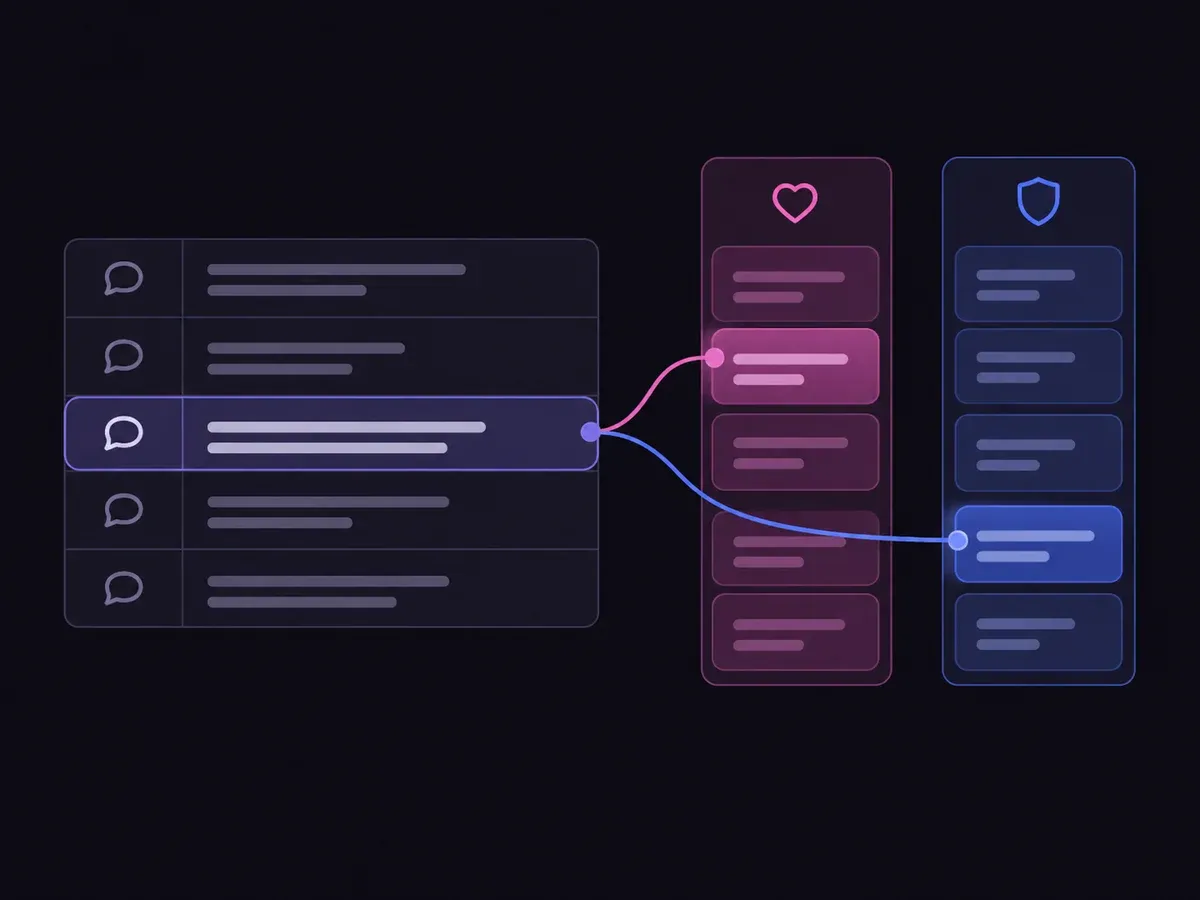
Use the sample to understand the rule, then test your own input for invoice supplier matching.

Provide invoice seller evidence and a supplier list with documented aliases.

Open the decision rules and keep the intended distinction between A, B, C, None, Unclear. Edit the choices only when testing your own rule.

Use a sample first, then try your own input. Compare the selected label with the other returned probabilities.

Review Unclear before using a result. The label is a decision about the supplied information, not an executed action.
| Original input | Observed label | Leading probability |
|---|---|---|
| Seller versus customer | A | 100% |
| Documented trading name | B | 100% |
| Hosting invoice | C | 100% |
| Unknown issuer | None | 100% |
| Only bill-to | Unclear | 100% |
| Contradictory seller | Unclear | 99.0% |
These are six original synthetic inputs, tested once per request revision. The percentage is the leading option probability, not measured accuracy. Authored expectations and any disagreements remain in the downloadable evidence. 6 of 6 results matched the authored fixture expectations.Verified
The downloads contain six original inputs, their expected labels and one recorded API observation per input revision. Disagreements stay visible.
The single-request SDK runner uses your private TYPESAFE_API_KEY. The offline consumer reads saved observations, checks request hashes and prints a pending output. It does not call the model or change any external system.
# Offline: inspect the downloaded saved observations. No API key is needed.
python preview_choice_workflow.py samples.json saved-api-results.json

# Optional live request: install the SDK and set TYPESAFE_API_KEY privately.
npm install @typesafe-ai/sdk@0.6.0
node run-choice-sample.mjs samples.json case-1
# The live response prints to the terminal; it does not update saved-api-results.json.The input contract and these limits define what the result means.
Provide a documented alias with the candidate. The demo must not assume that similarly named businesses are the same supplier.
No. Seller matching and payment verification are separate tasks. This page returns only the supplier label.
It describes the distribution over the supplied choices for this request. These six synthetic examples are functional tests with authored expectations, not a production accuracy benchmark.
No. The demo displays a label and distribution. The downloadable consumer produces a pending preview packet. Application code and a separate authorization policy would control any real action.
Edit the example above to see how a changed fact affects the decision, or open the Playground for another task.