What you can test
- Meaning beyond matching words
- Unrelated or ambiguous text
- Your own passage and candidates
Give a passage and a shortlist of page descriptions. Compare the reader value of each target, or leave the passage unlinked when none adds useful context.
Supply the paragraph and a short description of each destination. The question asks which destination helps the reader, rather than which title repeats the same words. This demo offers three fictional documentation pages and a fourth option, No suitable link.
The input is intentionally small enough to inspect. It contains no hidden crawl results or retrieved pages. Edit both the passage and the descriptions to test another situation. Expand Customize question and choices if you change the target labels.
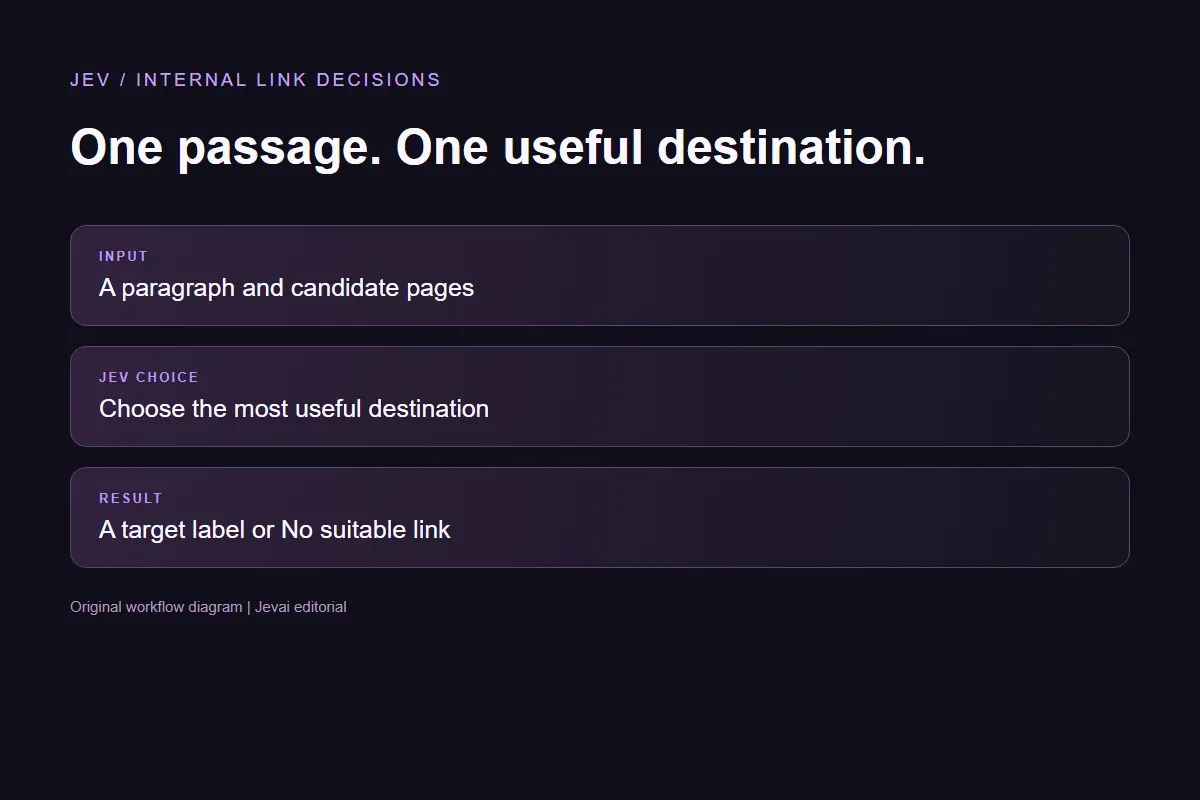
A passage, a shortlist and a clear question. Your application handles the link.
Paste the text a reader is already reading. Keep enough surrounding context to explain its subject.
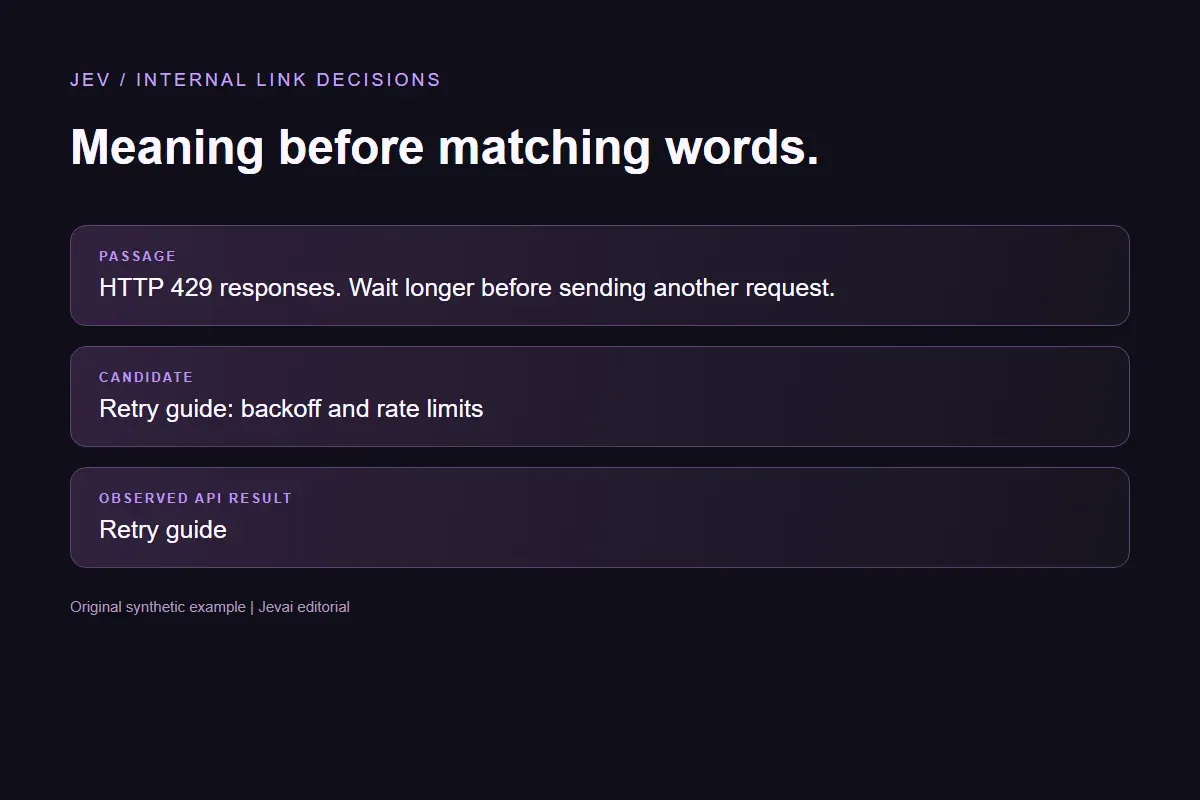
Give each candidate a distinct label and a short description of the page it opens.
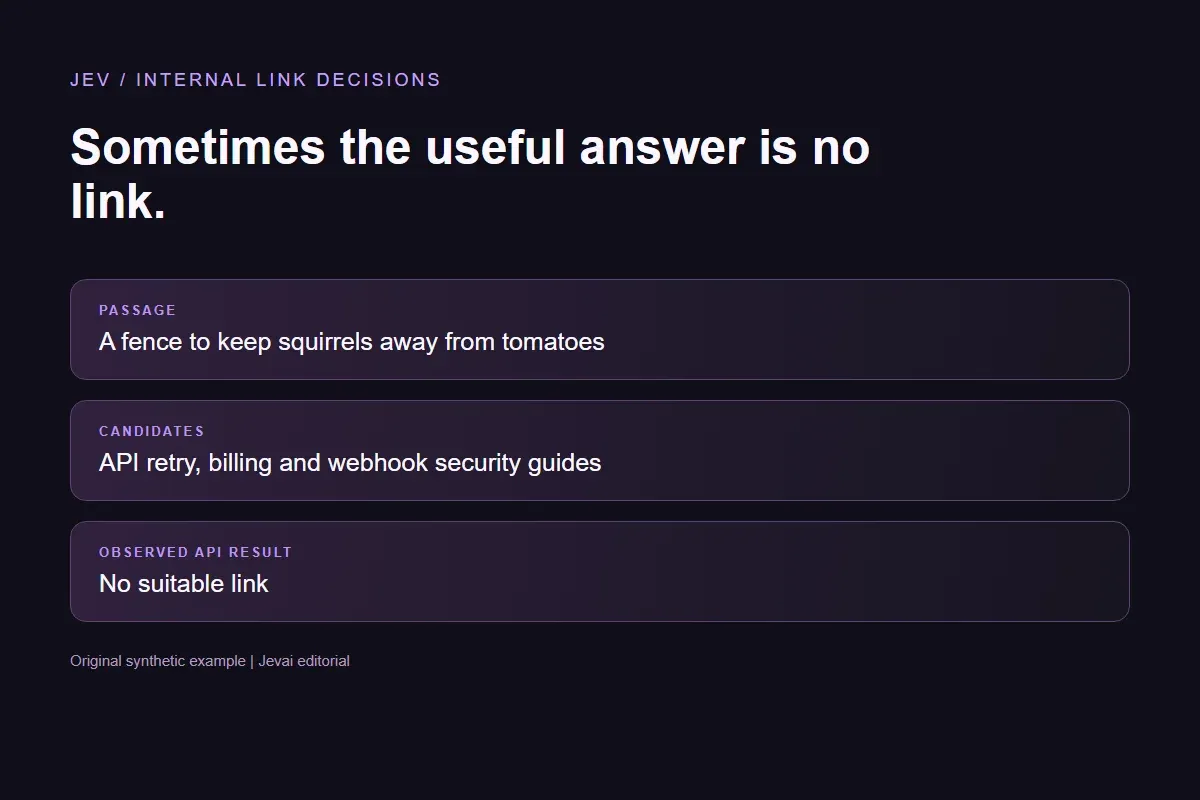
Include a no-link choice for unrelated text, missing context and misleading keyword matches.
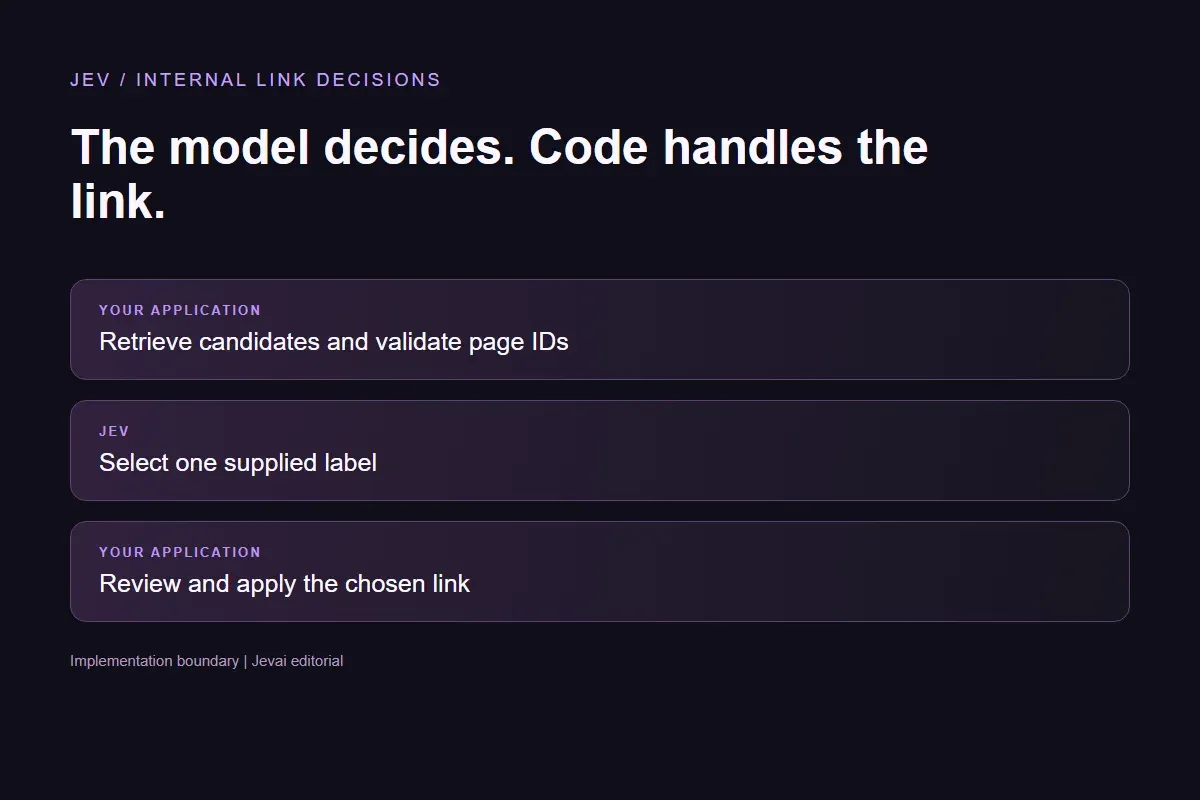
Read the leading choice and distribution. Validate the destination before your code inserts a link.
Understand the choices, the source and what a live result means.
Yes. Replace the passage or candidate descriptions and run the request. If you change target labels, update the choices in the expandable controls too.
No. Only the text you supply is sent to the decision API. The candidate documentation pages are fictional and no URLs are fetched.
No. The distribution compares the allowed answers to this question. It is not a ranking forecast or a measured accuracy rate.
After a successful request the interface shows elapsed request time and a provider-usage cost estimate when available. The estimate is not a charge to you; security-check time is excluded.
Ian Nuttall's tool documentation describes a broader workflow that crawls pages and asks Jev to judge links. Our six passages and fictional target descriptions are original examples of a narrower target-selection step. We did not run the author's crawler or reproduce its backend.
Try another passage here or build a different Choice question in the Playground.