Source and example scope
Compare each saved result with its authored expectation. A disagreement remains in the fixture review; the call is not repeated to obtain a preferred label.
Paste the issue request to distinguish restoring failed behavior, adding a feature and changing documentation. Review mixed work before assigning a workflow.
An author can call an issue a bug while asking only for a guide. The excerpt’s requested change gives the handler a more useful signal than a title keyword or an unverified existing label.
Bug fix requires a stated expected behavior that fails. Feature describes a new capability. Mixed work preserves an issue that requests both implementation and explanatory changes, rather than silently losing one request.
This classification does not assign a particular agent, estimate effort or prove that a defect exists. Those steps require the repository, handler capabilities and verification evidence.
These fictional inputs and decision rules were written for this page. The linked X discussion provides background; the technical implementation follows TypeSafe's Choice contract.
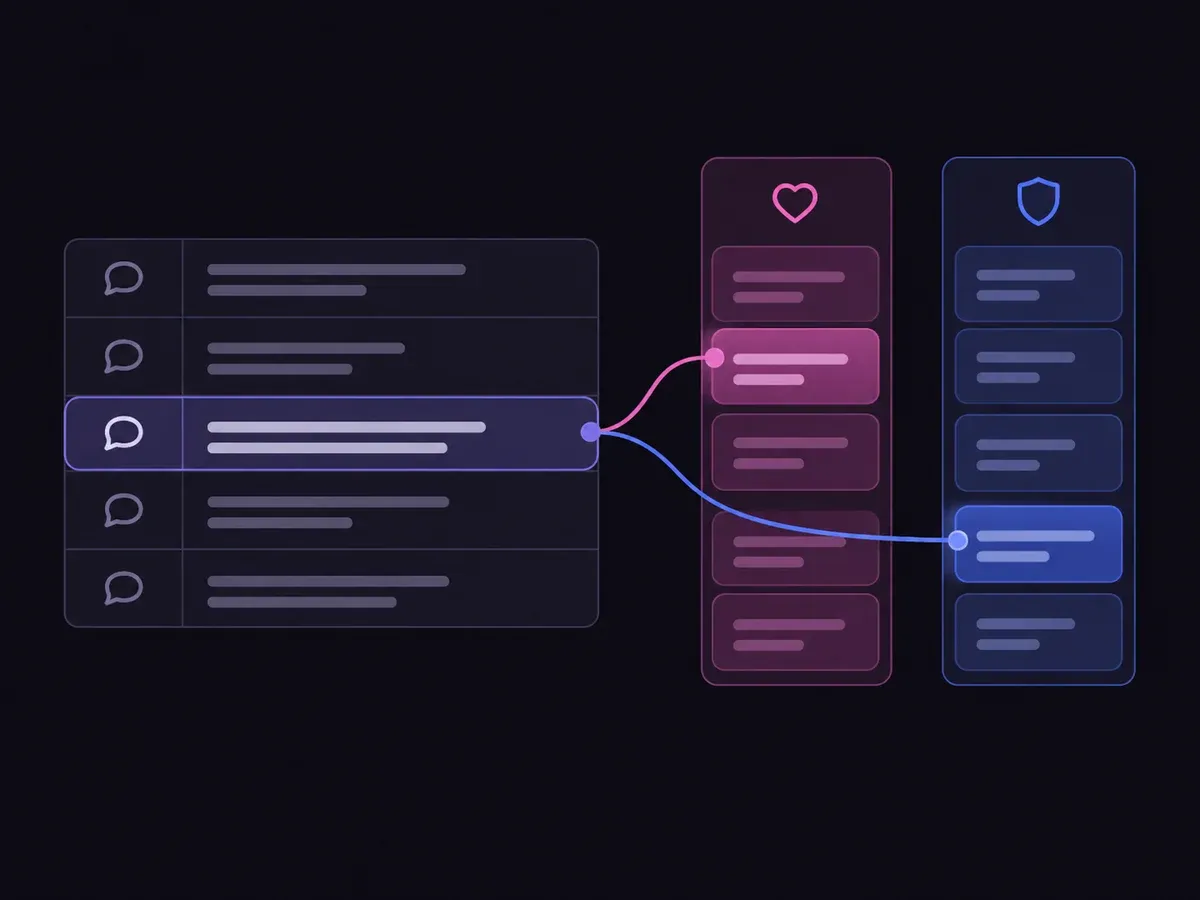
Use the sample to understand the rule, then test your own input for github issue work types.

Paste the issue request to distinguish restoring failed behavior, adding a feature and changing documentation.

Open the decision rules and keep the intended distinction between Bug fix, Feature, Documentation, Mixed work, Need evidence. Edit the choices only when testing your own rule.

Use a sample first, then try your own input. Compare the selected label with the other returned probabilities.

Review Need evidence before using a result. The label is a decision about the supplied information, not an executed action.
| Original input | Observed label | Leading probability |
|---|---|---|
| Broken CSV export | Bug fix | 99.0% |
| New XML export | Feature | 100% |
| Clarify setup notes | Documentation | 100% |
| Fix plus explain | Mixed work | 100% |
| Bug named in a docs request | Documentation | 100% |
| Missing issue body | Need evidence | 100% |
These are six original synthetic inputs, tested once per request revision. The percentage is the leading option probability, not measured accuracy. Authored expectations and any disagreements remain in the downloadable evidence. 6 of 6 results matched the authored fixture expectations.Verified
Compare each saved result with its authored expectation. A disagreement remains in the fixture review; the call is not repeated to obtain a preferred label.
The single-request SDK runner uses your private TYPESAFE_API_KEY. The offline consumer reads saved observations, checks request hashes and prints a pending output. It does not call the model or change any external system.
npm install @typesafe-ai/sdk@0.6.0
# Set TYPESAFE_API_KEY privately in your shell.
node run-choice-sample.mjs samples.json case-1
python preview_choice_workflow.py samples.json saved-api-results.jsonThe rubric explains the decision; the application owns the next step.
No. The example calls it Bug fix only when the issue states that an existing expected behavior fails. A newly requested capability belongs under Feature.
No. Work type is an intake signal. A handler selection needs the agent’s capability and permission information.
No. It is the model distribution for this one request. The six examples are functional checks with authored expectations, not a representative benchmark. Inspect disagreements and evaluate your own examples before using the label.
The window shows an error and supplies no fresh judgment. The downloadable runner sends one request without retries. Need evidence is a valid outcome about incomplete input; it does not stand in for a network or provider failure.
Edit the evidence above or use the Playground to test another bounded question.