Useful scope
- Testing a personal workspace taxonomy
- Grouping tabs when the same site serves several purposes
- Keeping generic titles unassigned until context is supplied
Sort a tab into the workspace where you use it. Supply its title and purpose, then compare the available groups.
A website name alone is a weak grouping rule. A video tab may contain a work handover, a course or entertainment; the user's stated purpose resolves that difference.
The X-linked directory includes a Jev tab-grouping extension. This text demo proposes one group from a fictional workspace scheme. It cannot inspect your open tabs, read hidden page content or move tabs in your browser.
This is an independently authored text demonstration inspired by the linked X discussion. Its rules and synthetic inputs are ours. It does not reproduce the author’s application, verify reported outcomes, or perform an external action.
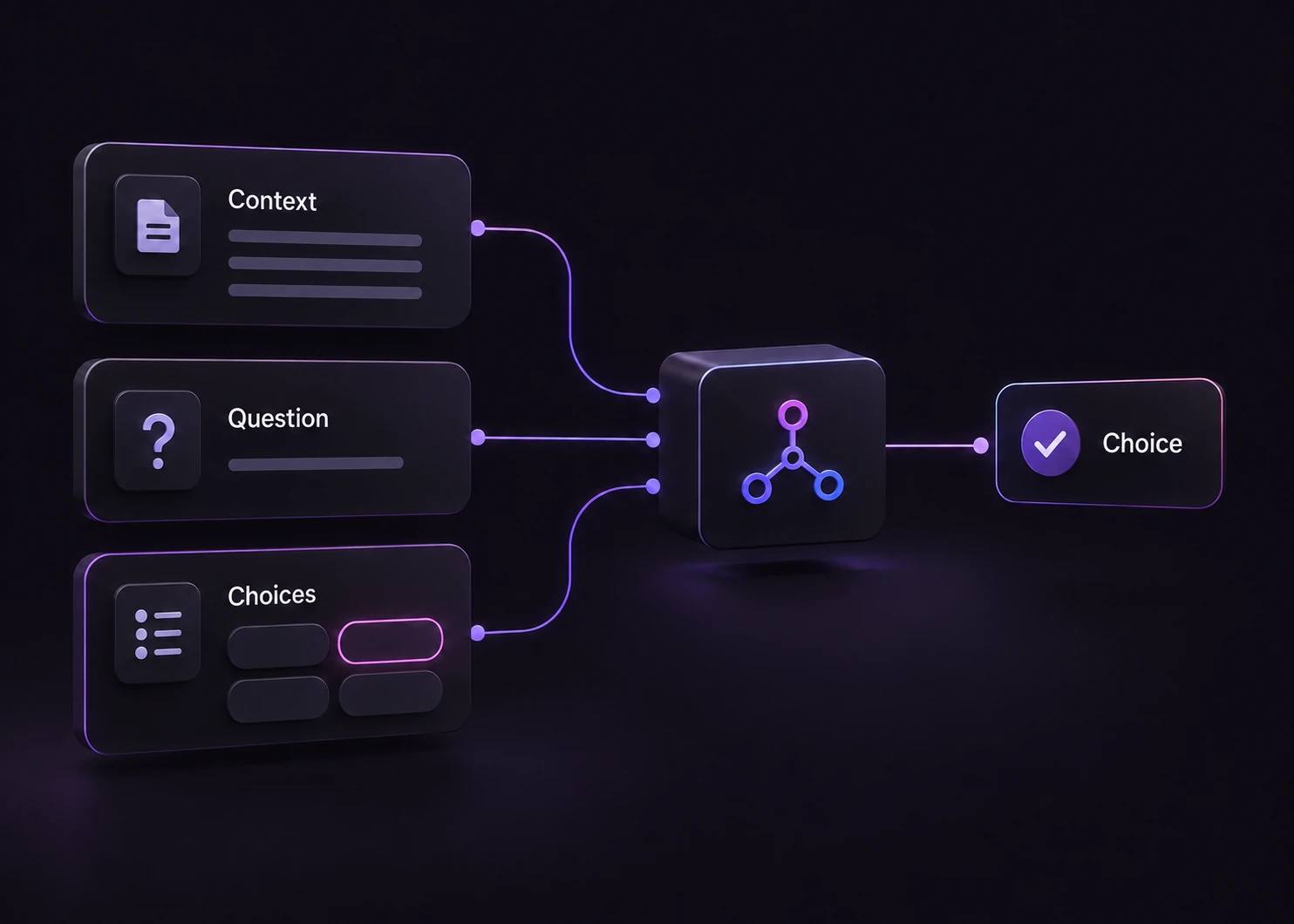
Change the evidence, inspect the available labels, then compare the response with the rule.

Use the named fields in the sample. Include the context that distinguishes the outcomes; leave absent facts explicitly unknown.

The decision rule and the choice labels are sent with the evidence. Read the definitions before changing the labels. The model chooses among these supplied alternatives.

The window makes a fresh server-side API request. It displays the highest-probability label, elapsed request time and estimated token cost. A provider failure produces an error, not a missing-evidence label.

Treat the returned label as a proposal. Check the evidence and distribution before consuming it in application code. Download the requests and saved observations. The offline consumer validates their hashes and prints a pending packet without executing it.
| Original input | Observed label | Leading probability |
|---|---|---|
| Project issue | Project | 90.0% |
| Reference guide | Research | 99.0% |
| Personal itinerary | Personal | 100% |
| Generic blank | Review | 96.0% |
| Video for work | Project | 99.0% |
| Ambiguous inbox | Review | 99.0% |
These are six original synthetic inputs, tested once per request revision. The percentage is the leading option probability, not measured accuracy. Authored expectations and any disagreements remain in the downloadable evidence. 6 of 6 results matched the authored fixture expectations.Verified
The downloads contain six original inputs, their expected labels and one recorded API observation per input revision. Disagreements stay visible.
The single-request SDK runner uses your private TYPESAFE_API_KEY. The offline consumer reads saved observations, checks request hashes and prints a pending output. It does not call the model or change any external system.
# Offline: inspect the downloaded saved observations. No API key is needed.
python preview_choice_workflow.py samples.json saved-api-results.json

# Optional live request: install the SDK and set TYPESAFE_API_KEY privately.
npm install @typesafe-ai/sdk@0.6.0
node run-choice-sample.mjs samples.json case-1
# The live response prints to the terminal; it does not update saved-api-results.json.The input contract and these limits define what the result means.
No. The example uses the stated activity. A video watched for the active project belongs to Project even if the same site is also used for entertainment.
You can adapt the Choice labels and definitions in your application or the general Playground. This example keeps its four-label scheme so its saved observations remain comparable.
It describes the distribution over the supplied choices for this request. These six synthetic examples are functional tests with authored expectations, not a production accuracy benchmark.
No. The demo displays a label and distribution. The downloadable consumer produces a pending preview packet. Application code and a separate authorization policy would control any real action.
Edit the example above to see how a changed fact affects the decision, or open the Playground for another task.